
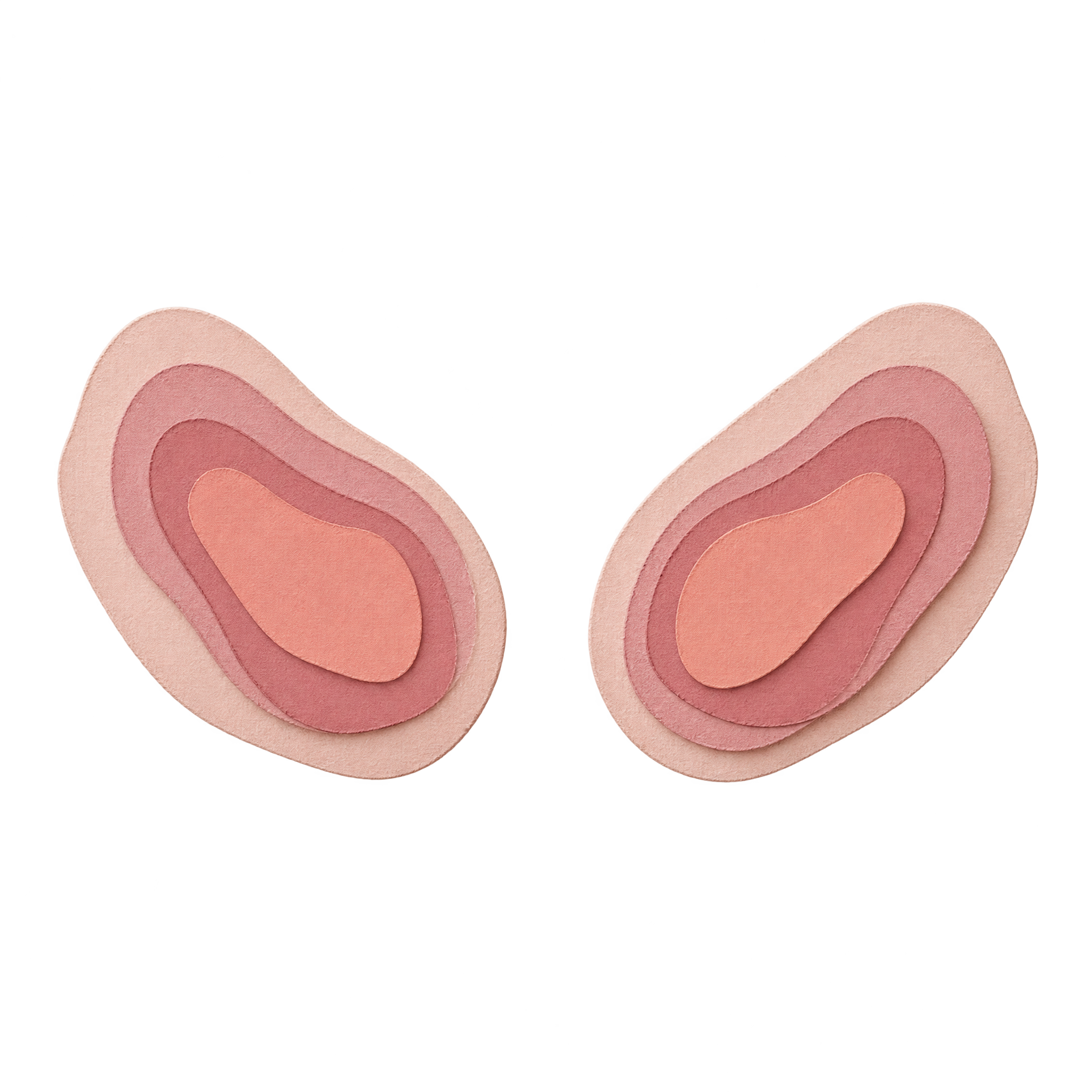
Paper Cut Blush PNG
A paired cheek-style blush overlay built from softly layered paper shapes, designed for portrait decoration, beauty layouts, and playful editorial compositions.
Yes. You can create and download PNGs for free using the PNG generator. Optional subscriptions provide more creative options and advanced features.
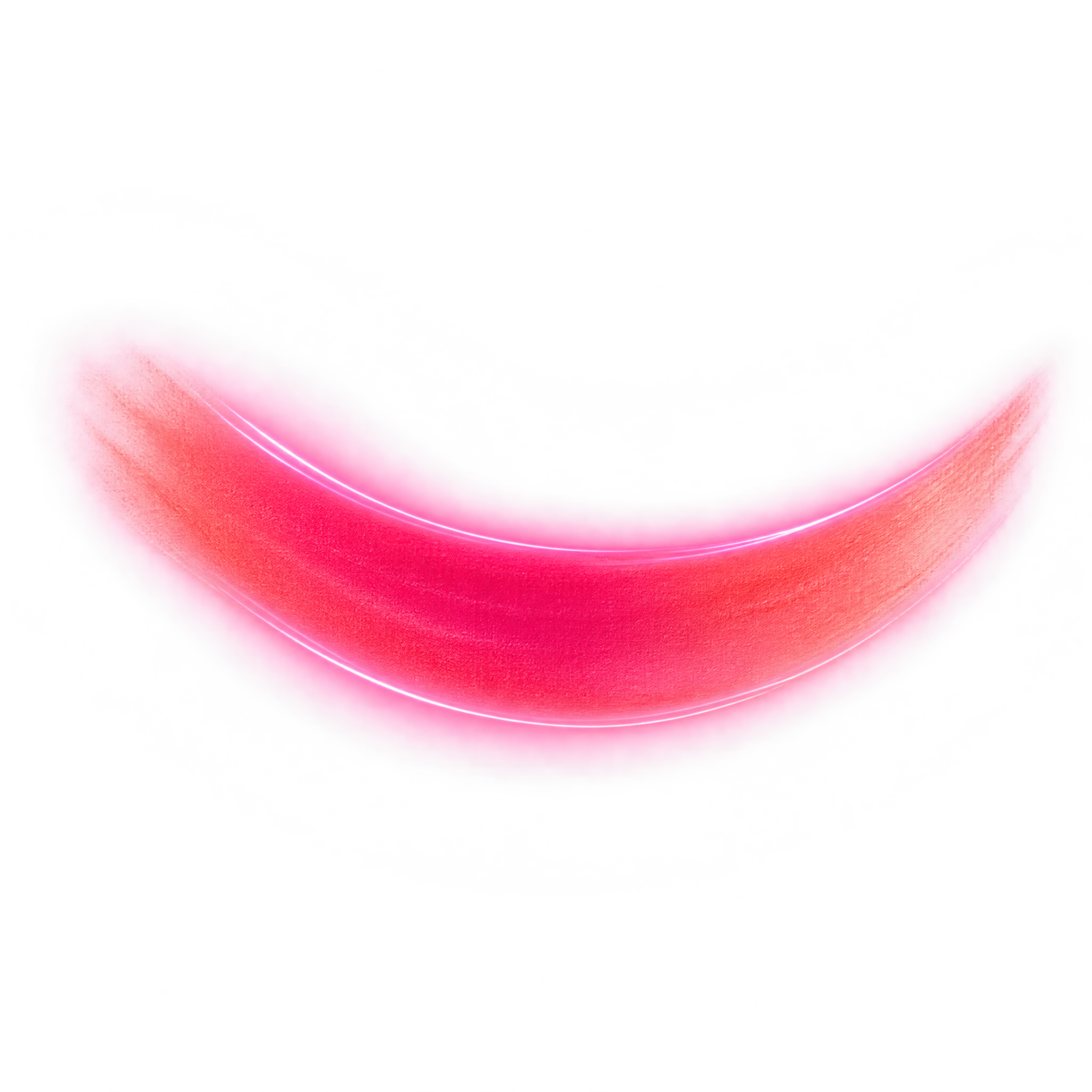
Open the AI workspace and describe a curved, luminous blush sweep with a concentrated center and tapered ends. Refine the wording to adjust the glow, curve, or intensity, then download the result as a PNG.
PNG supports transparency, allowing the luminous blush sweep to sit over portraits and graphic layouts without a solid rectangular background. JPG does not support transparent backgrounds. Downloads here are provided as PNG files.
In the PNG generator, try descriptions such as soft luminous blush, dramatic makeup glow, curved cosmetic highlight, or diffused neon cheek accent. Changing the intensity, shape, and mood can produce related variations.
Align the curve with the cheekbone or another strong directional line in the portrait. Keep the concentrated center near the intended focal area, while the tapered ends guide the eye without covering important facial details.
Dark backgrounds create bold contrast and make the glow feel more dramatic, while pale neutrals support a softer beauty-editorial mood. Pair it with restrained typography and subtle highlights so the luminous curve remains the focal accent.