
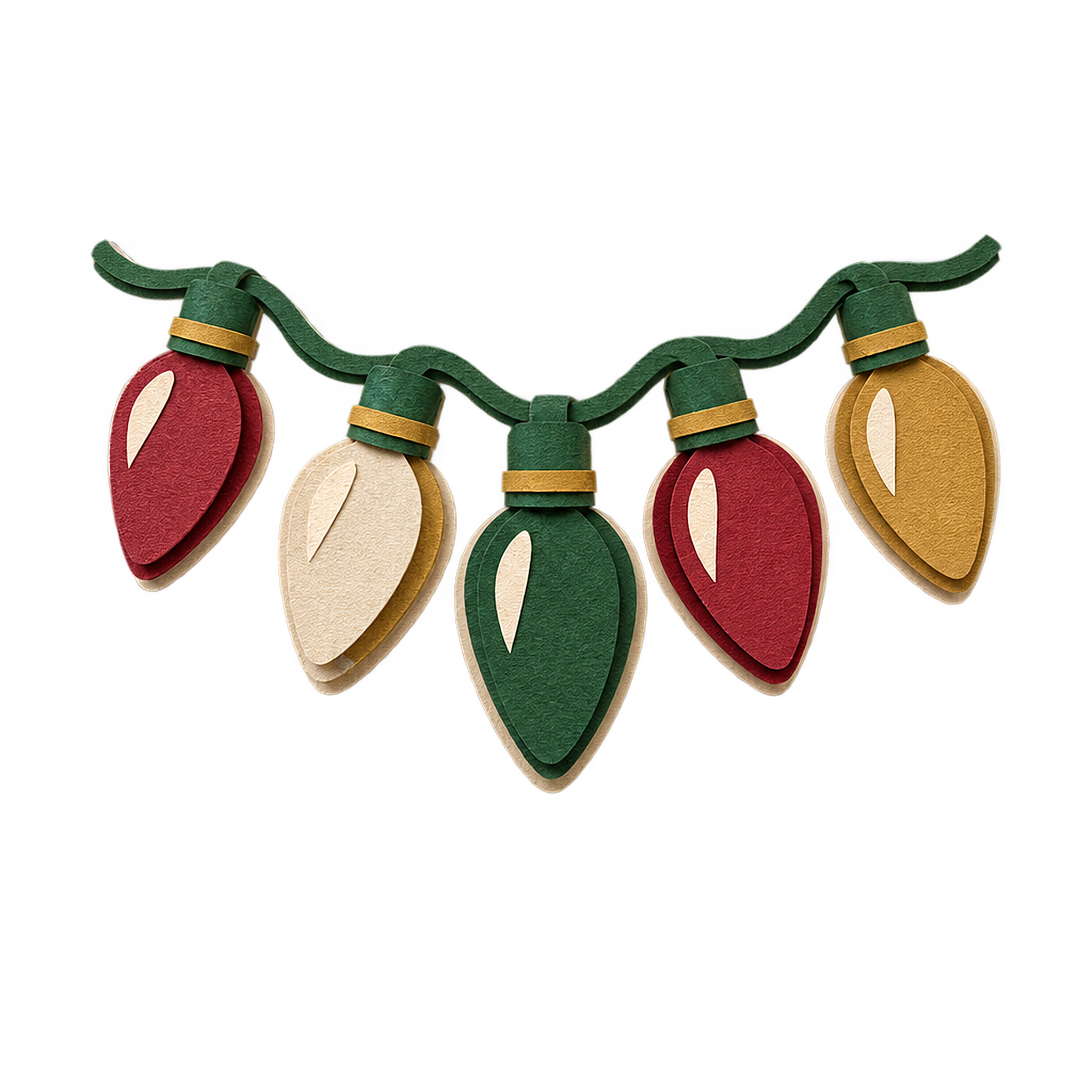
Frequently asked questions about Paper Cut Christmas Lights PNG
Yes. You can use the PNG generator to create and download PNGs for free. Optional subscriptions provide more creative options and advanced features.
Download the available PNG from its image page. To create a related design, open the PNG generator, enter a description of paper-cut bulbs on a short hanging cable, and refine the wording until the result suits your project.
Browse the Christmas Lights PNG collection for related seasonal designs. You can also use the PNG generator to try variations such as layered paper bulbs, compact light strands, or different festive color moods.
Yes. Download the PNG, then upload it to Canva as an image asset and place it in cards, invitations, social posts, banners, or other layouts.
Position the short cable near the top edge so the tapered bulbs hang into the composition like a festive border. Leave clear space below for a greeting, event details, or a central holiday image.
Deep navy, evergreen, burgundy, or warm cream backgrounds can give the bulbs clear contrast and a cozy seasonal mood. Pair the strand with simple paper-cut stars, snowflakes, or restrained typography to preserve its compact silhouette.