Unlock millions of PNGsClaim Free Credits →

Iphone Mockup PNG

Iphone Mockup PNG presents clear display areas with watercolor, engraved, paper-cut and geometric frames for app previews and editorial layouts.

Create with AI

6 Iphone Mockup PNG images

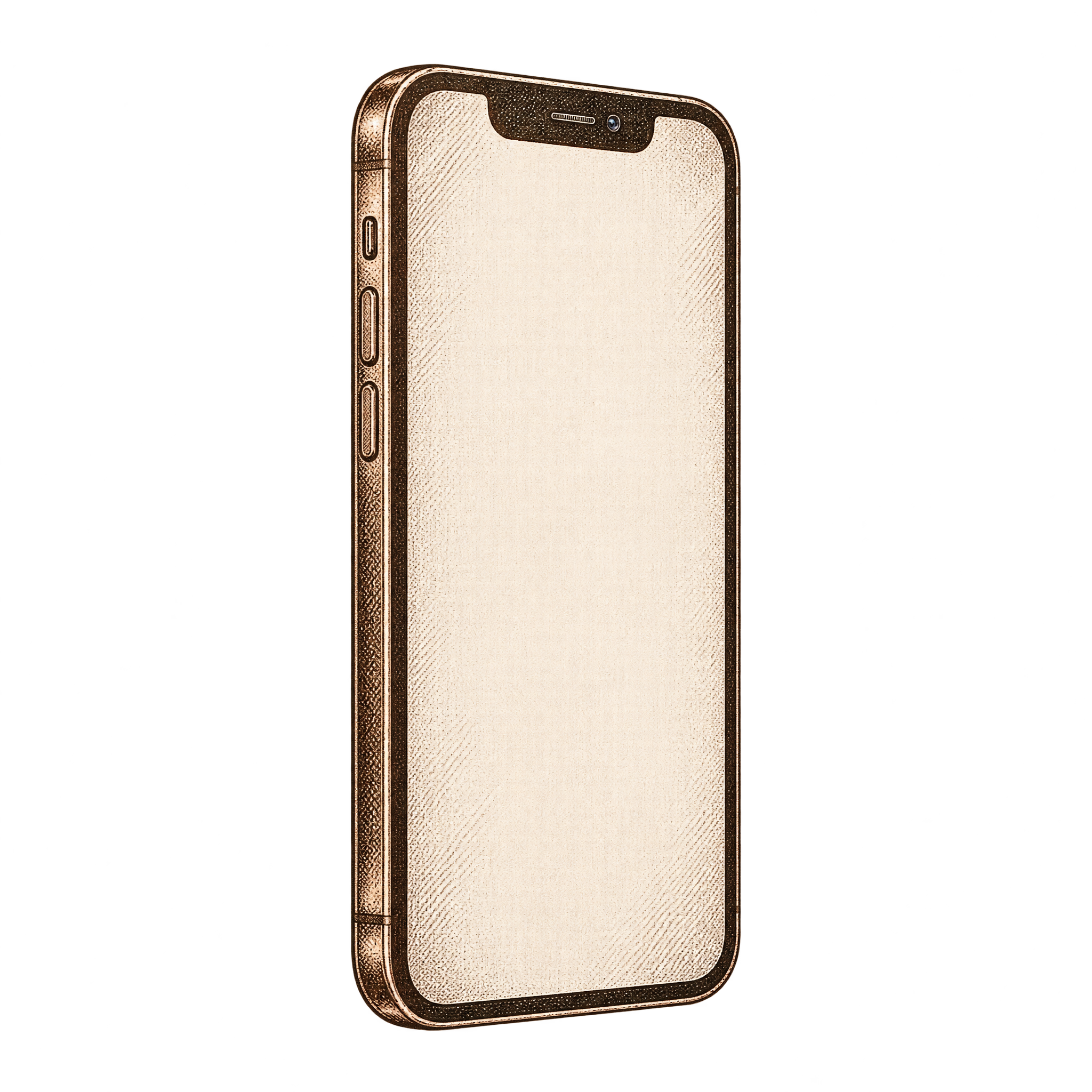
Engraved Iphone Mockup PNG

A vintage engraved iPhone mockup with an elevated angled view, articulated frame details, and a clear empty screen for editorial interface and website presentations.

Download
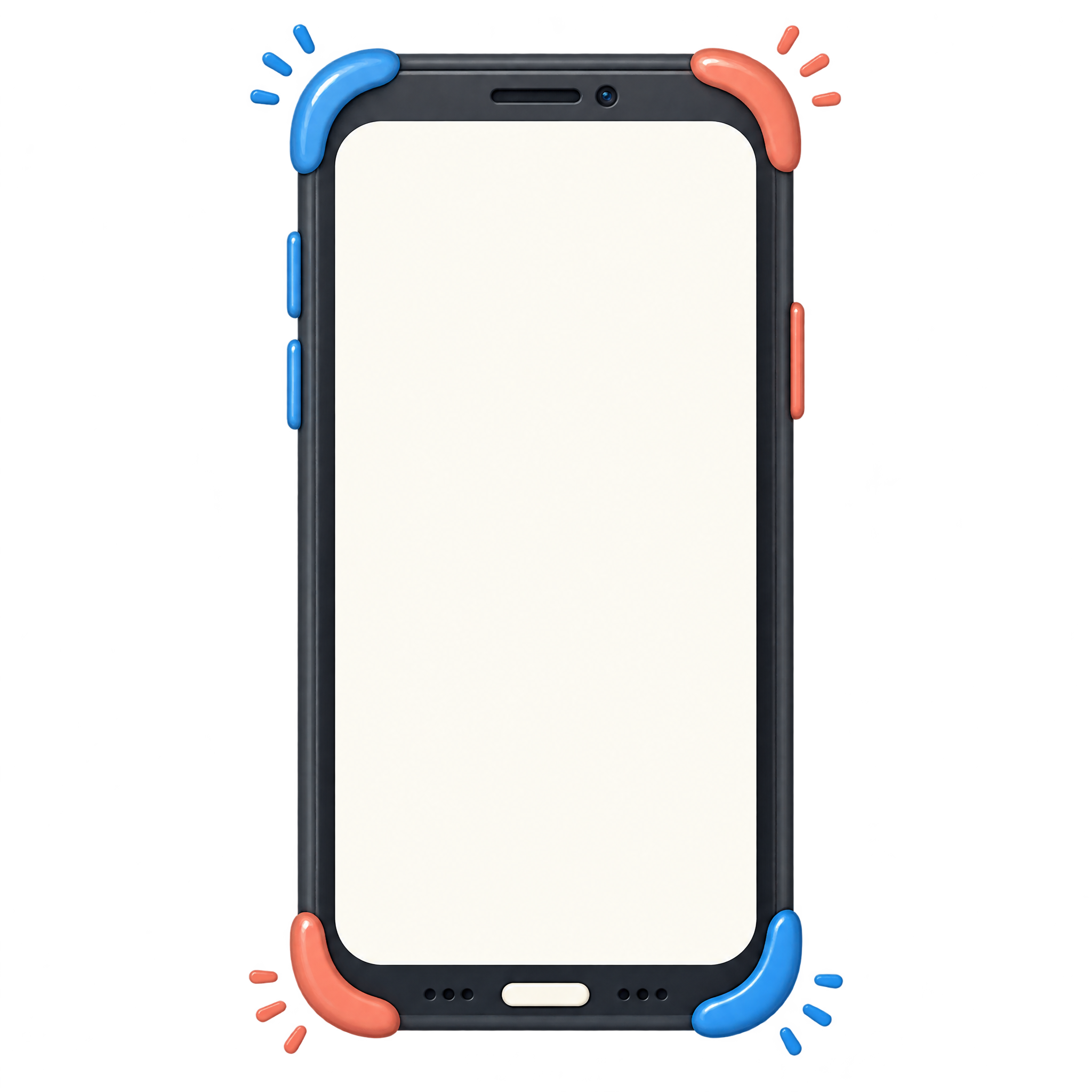
Cartoon Iphone Mockup PNG

A playful front-facing iPhone mockup with a prominent blank screen and expressive rounded accents, designed for cheerful app presentations, marketing layouts, and social graphics.

Download
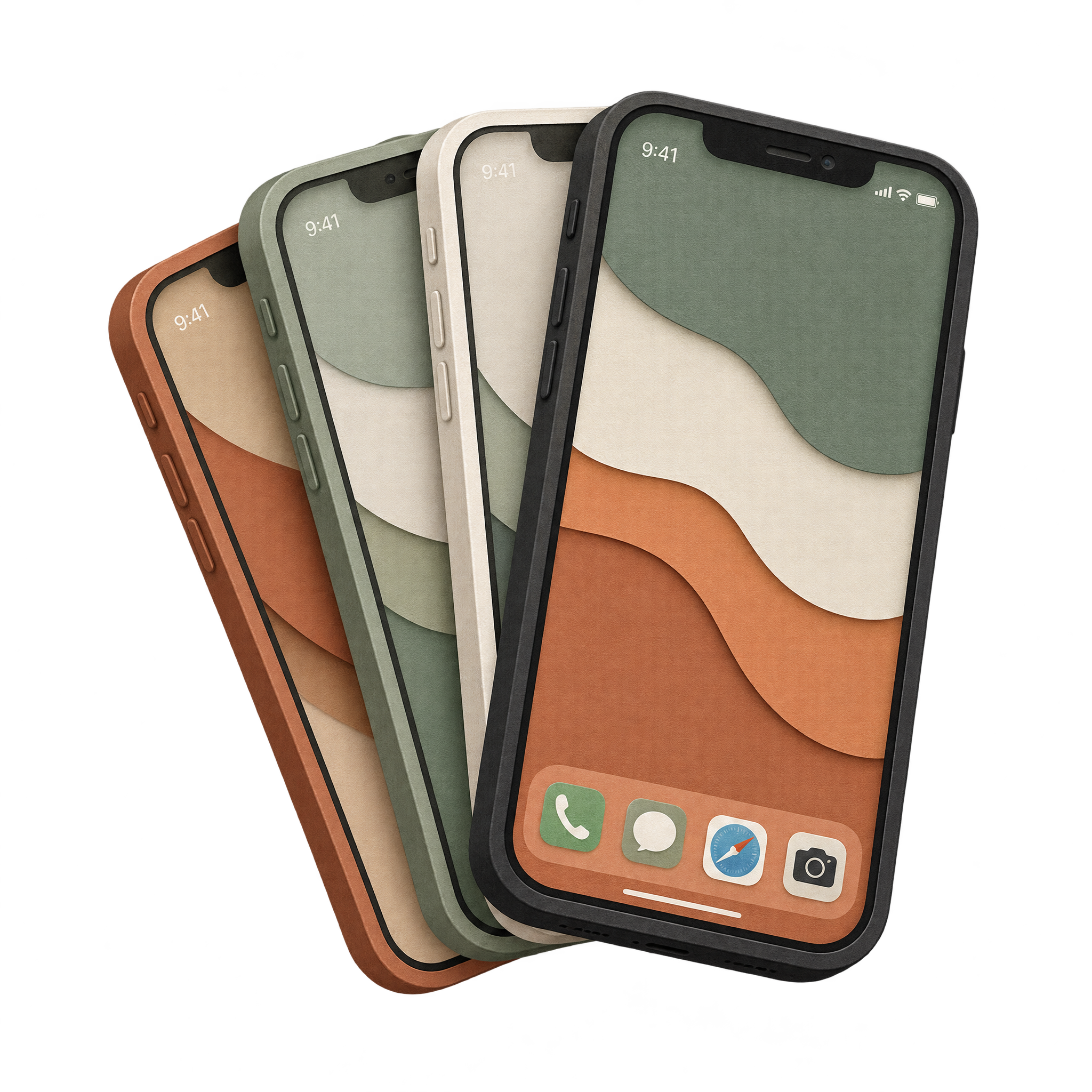
Paper Cut Iphone Mockup PNG

A tactile paper-cut arrangement of portrait iPhone mockups forms a compact diagonal fan, keeping the foremost screen clear for app, website, or wallpaper presentations.

Download
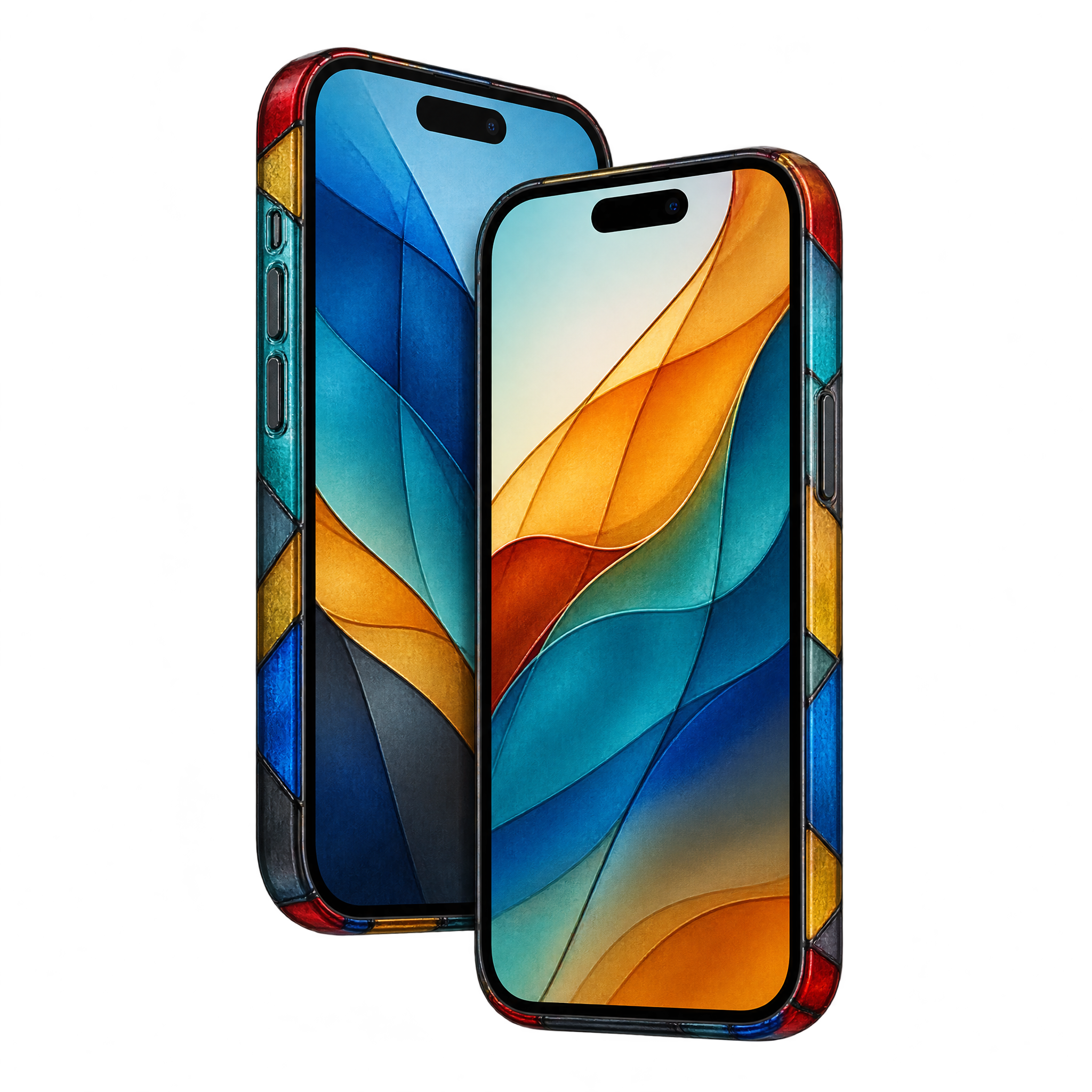
Stained Glass Iphone Mockup PNG

A staggered pair of stained-glass iPhone mockups with visible screens and a tall asymmetrical silhouette, intended for coordinated app concepts and paired interface showcases.

Download
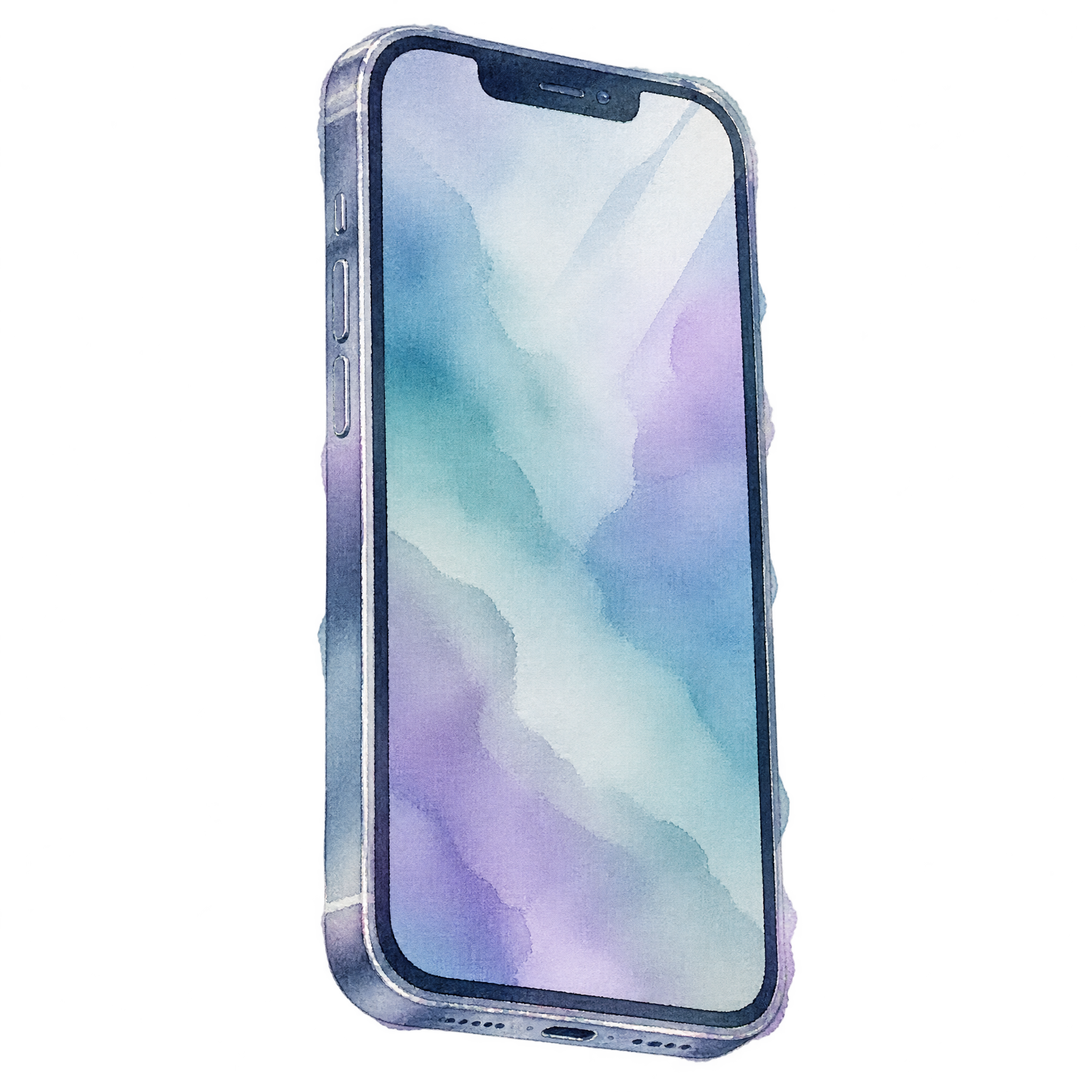
Watercolor Iphone Mockup PNG

A softly painted iPhone mockup with a low-angle view, gently irregular frame, and large visible screen for artistic portfolios, app previews, and editorial compositions.

Download
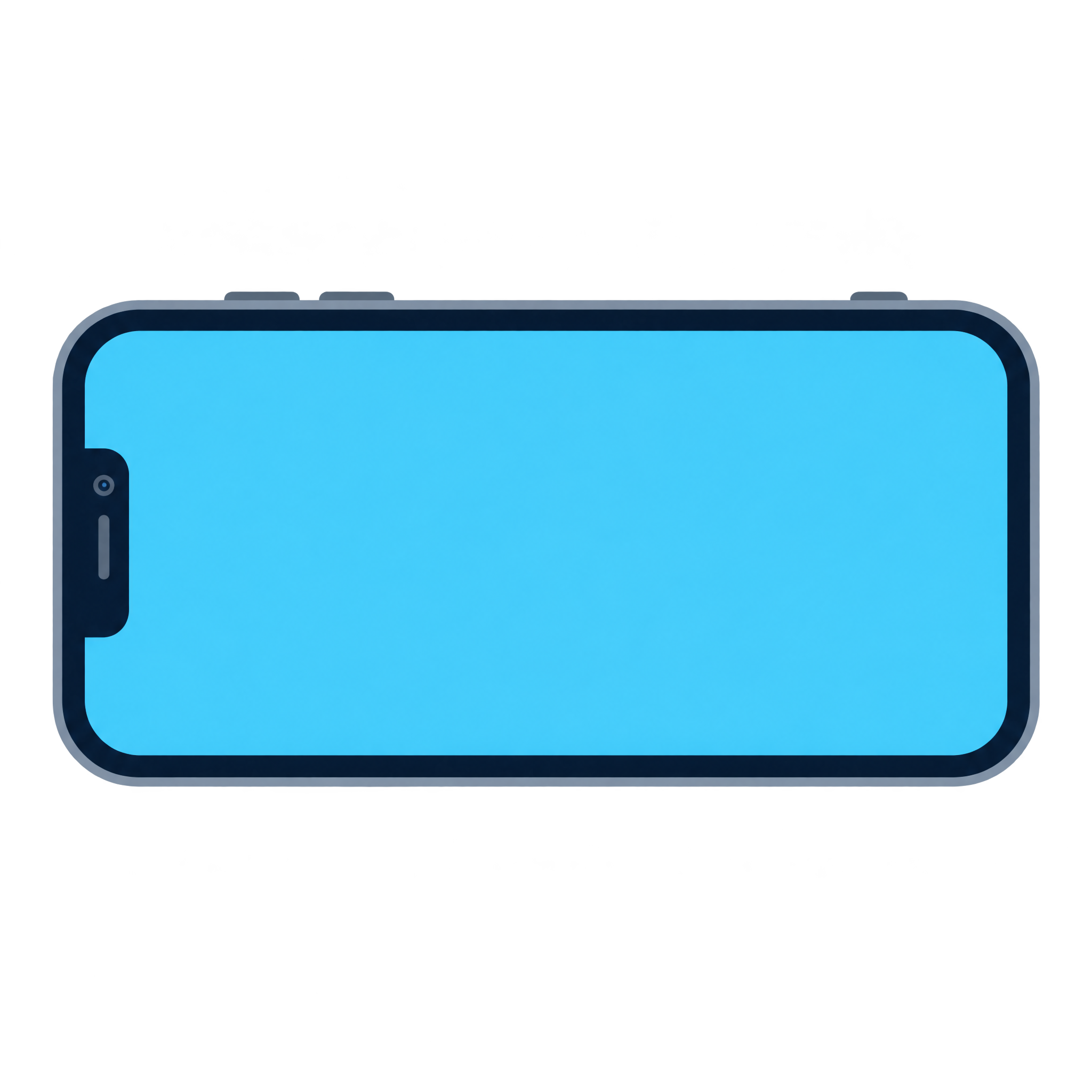
Geometric Iphone Mockup PNG

A bold landscape iPhone mockup with a continuous outlined frame and broad visible screen, suited to horizontal interfaces, game previews, websites, and video presentations.

Download
QUICK WORKFLOW

Create an Iphone Mockup PNG

A watercolor phone frame can soften an app portfolio, while a wide geometric mockup gives game or website previews a crisp horizontal stage.

  1. Choose a Frame TreatmentChoose a soft watercolor portrait frame for editorial work or a geometric landscape outline for a horizontal interface preview.
  2. Define Screen and AngleSet the phone orientation by opening the AI workspace and entering a description that specifies portrait or landscape, the viewing angle and a broad visible screen.
  3. Check the Screen AreaCheck that the generated phone keeps its blank screen clear, its frame readable and its angled or front-facing silhouette distinct on the intended layout.
Iphone Mockup PNG GUIDE

Present Interfaces with Iphone Mockups

Portrait frames suit app screens and social layouts, while the landscape geometric treatment gives games, websites or video presentations more horizontal room. Watercolor and cartoon options feel playful; engraved or paper-cut treatments add texture. Choose a free PNG download, or open the PNG generator to create a frame around your intended interface.

Can I create and download an iPhone mockup PNG for free?

Yes. You can create and download PNGs for free. A subscription is optional and adds more creative options and advanced features.

How can I get or create an iPhone mockup PNG?

Download a suitable iPhone mockup PNG from the collection. For a related design, open the PNG generator, enter a description covering the phone angle, orientation, screen area and visual style, then generate and download the PNG.

What is an iPhone mockup PNG?

An iPhone mockup PNG is a device-frame image used to present an app, website, game or other mobile interface. This collection includes clear-screen compositions in watercolor, stained-glass, paper-cut, engraved, cartoon and geometric treatments.

How does PNG differ from JPG for an iPhone mockup?

PNG can preserve transparent areas around a phone frame, making the mockup easier to place over another layout. JPG does not support transparency. Downloads provided here use the PNG format.

How should I position an iPhone mockup in a layout?

Use a front-facing portrait mockup when the interface should be the focus, or an angled arrangement to add depth and movement. Keep important text away from the device edges. In Canva, upload the PNG as an image asset, position it in the design and balance surrounding elements around the screen.

Which colors and styles pair well with these iPhone mockups?

Pair watercolor or cartoon frames with bright, friendly layouts, and use engraved treatments with muted editorial palettes. For a geometric outline, choose a background that contrasts clearly with the frame so the phone silhouette and screen remain easy to read.