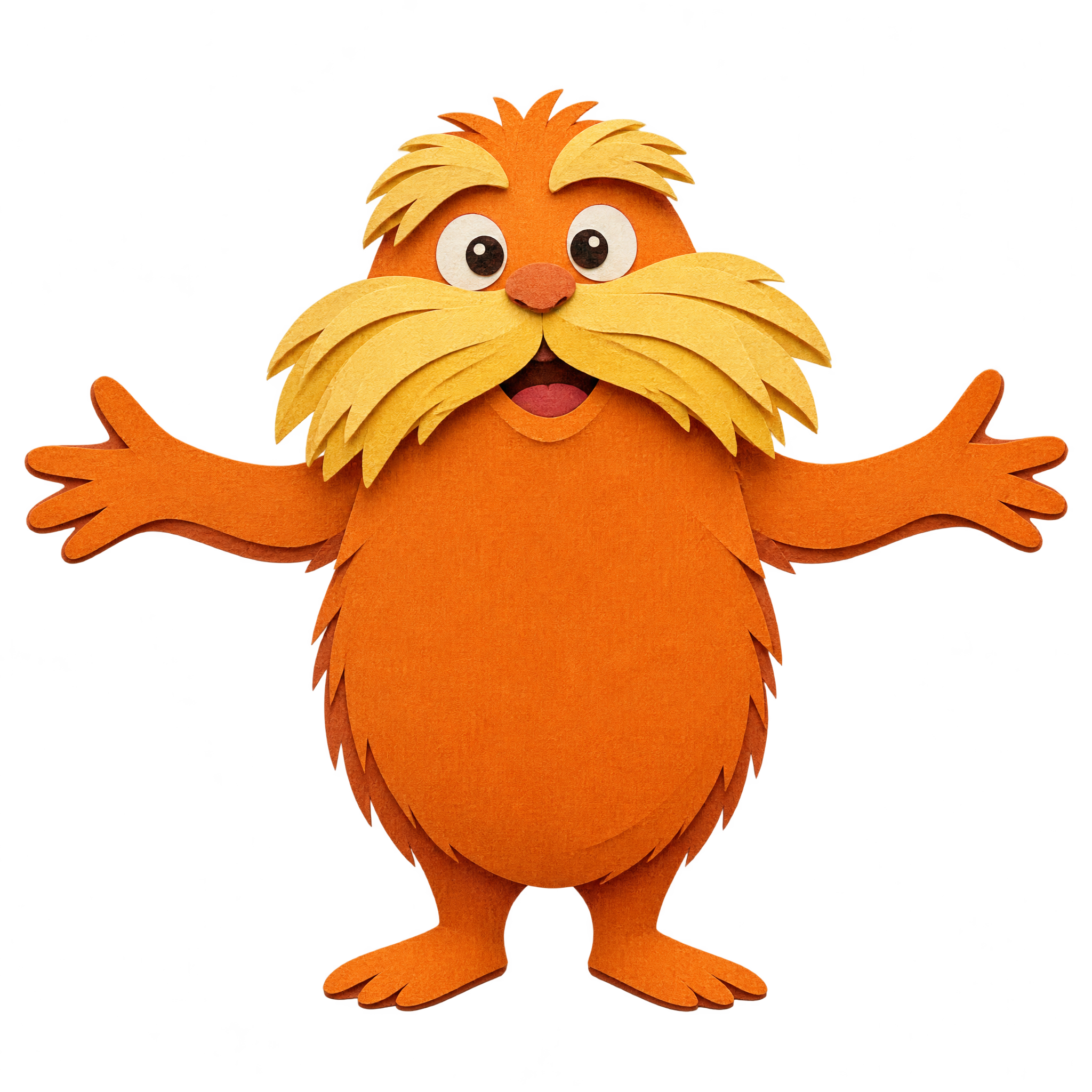
Paper Cut Lorax PNG
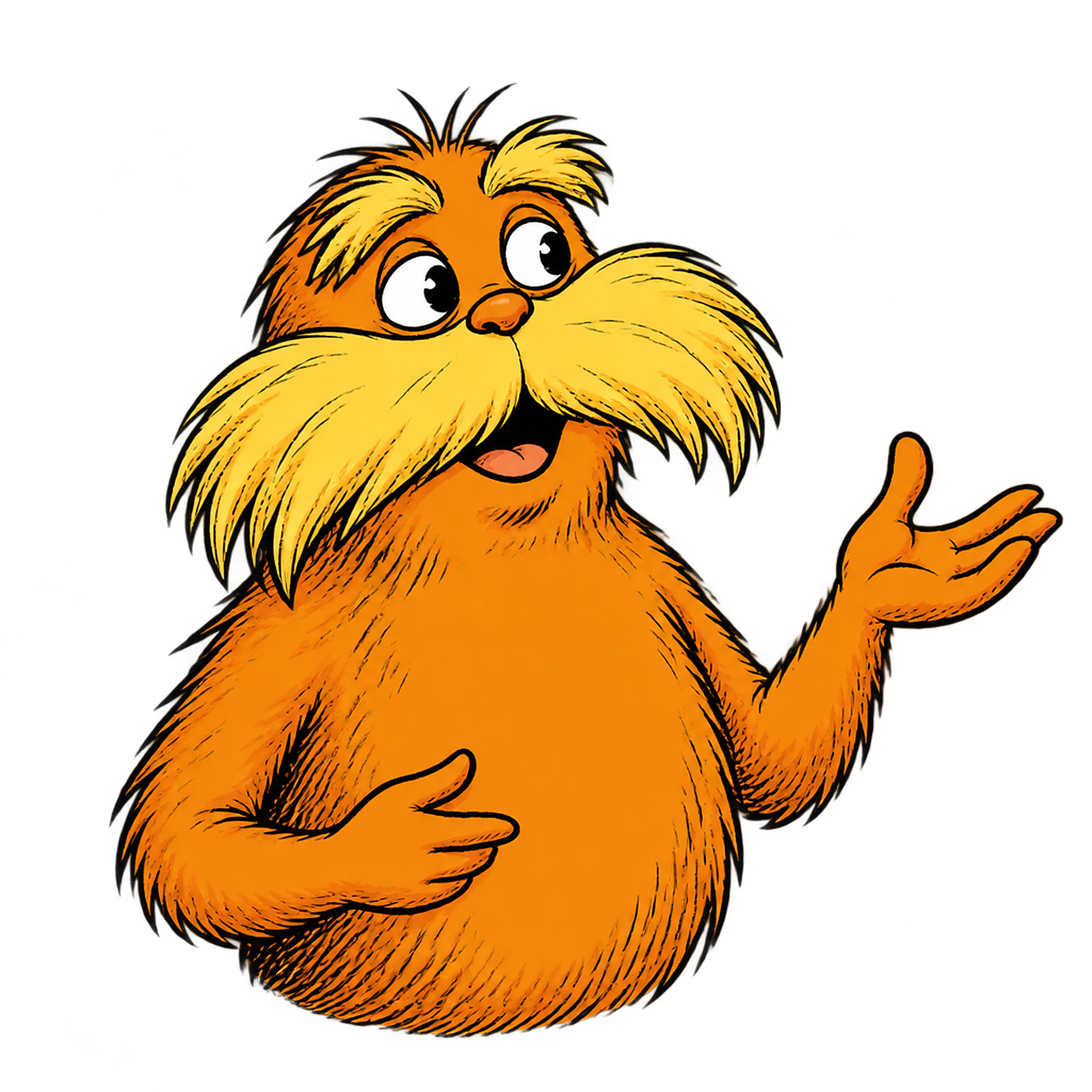
A recognizable full-body Lorax spreads both arms in welcome, creating a broad wing-like silhouette around the rounded body and layered mustache in paper-cut style.
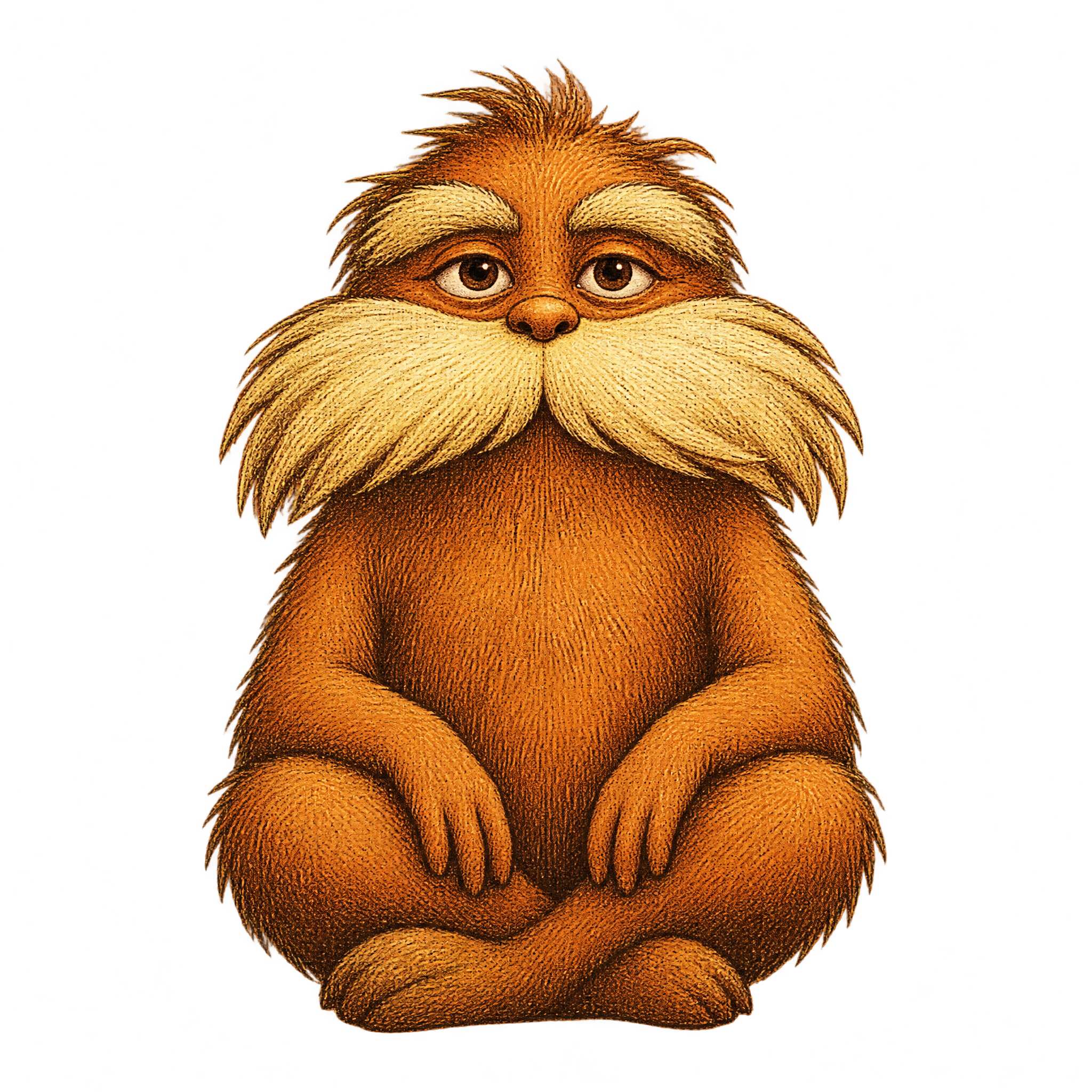
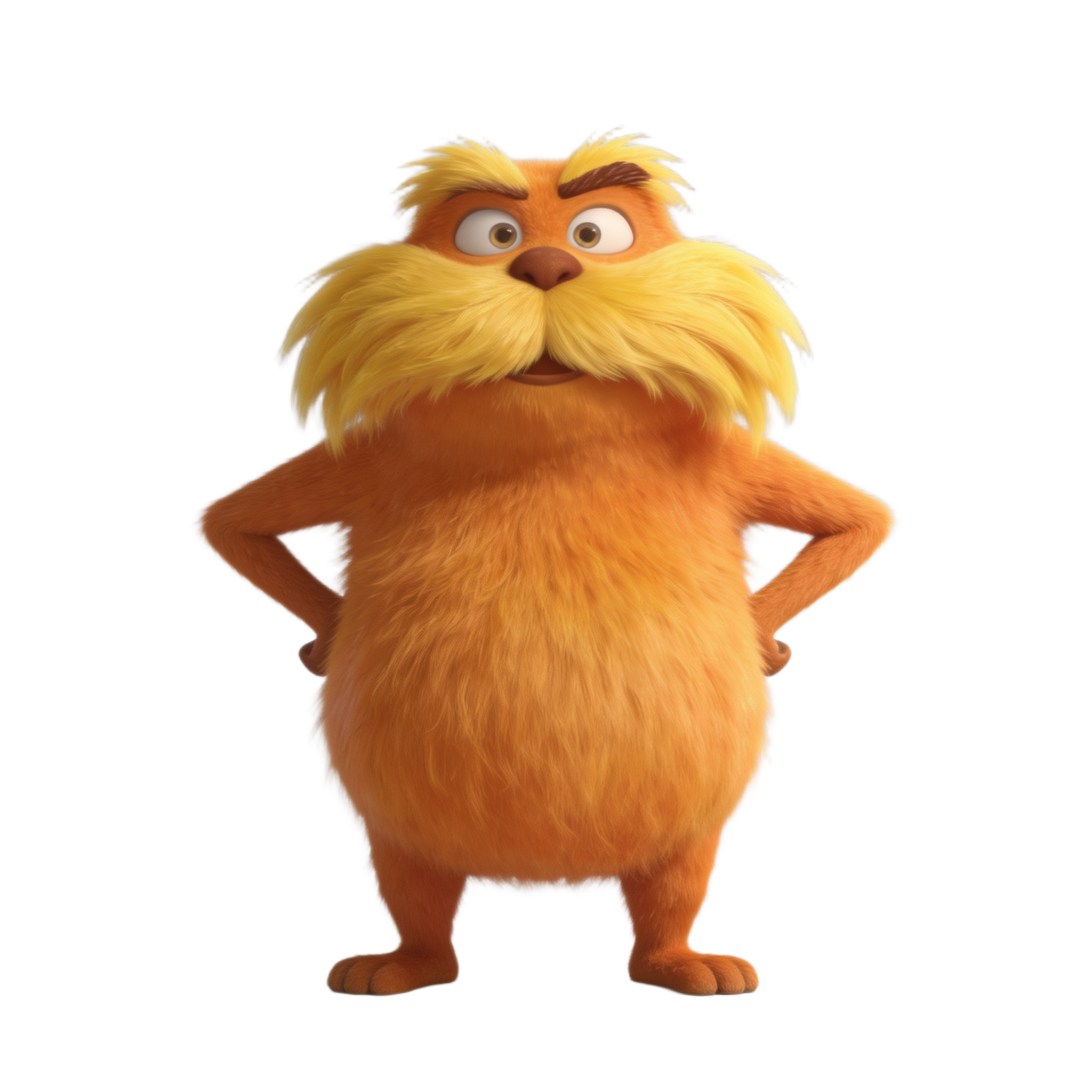
Lorax PNG artwork centers the character’s broad mustache through confident standing, expressive gesturing and calm seated compositions on transparent backgrounds.
5 Lorax PNG images
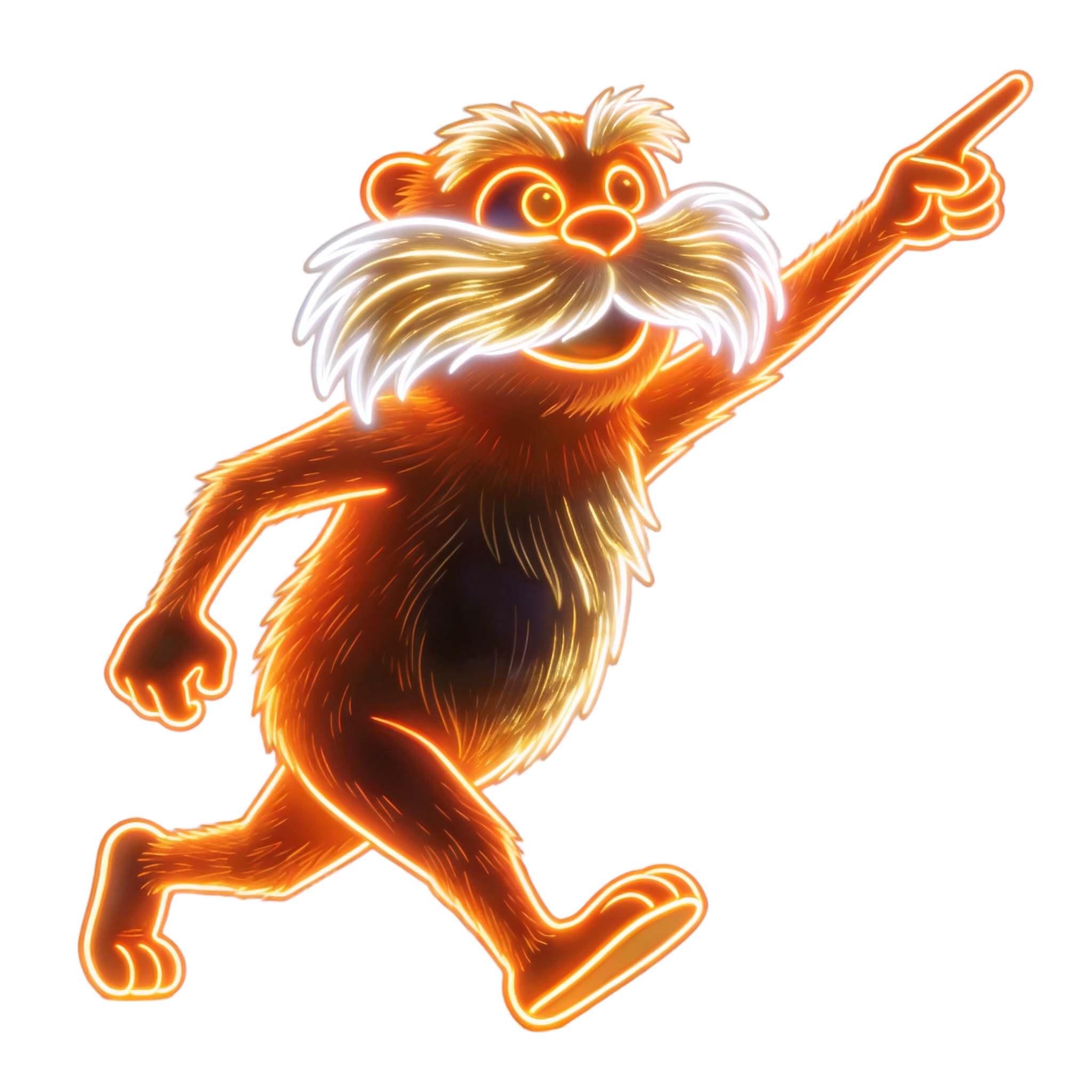
A mustache-led Lorax in neon, ink or paper-cut style can create a clear focal character for posters and playful layouts.
Full-body standing and arms-spread poses can anchor a poster, while a dynamic neon stride adds diagonal movement. A half-body ink portrait suits tighter spaces, and the seated engraving creates a calmer composition. Choose a transparent PNG for free, or open the PNG generator to create a new pose or treatment online.
Yes. You can create and download PNGs for free using the PNG generator. A subscription is optional and provides more creative options and advanced features.
Select an available Lorax PNG and download it, or open the PNG generator to make a related design. In the AI workspace, enter a description covering the pose, mustache, style and overall mood you want.
Use the front-facing arms-akimbo pose for a confident focal point, the pointing neon stride for movement, or the arms-spread paper-cut figure for a welcoming mood. Ink portraits fit compact layouts, while engraved linework creates a quieter vintage effect.
The collection features recognizable Lorax character illustrations defined by a wide mustache and expressive poses. Treatments include realistic, neon, bold ink, vintage engraving and layered paper-cut styles, with transparent backgrounds.
Give the broad mustache and gestures enough clear space to remain readable. Center a symmetrical standing or seated pose, or place the pointing figure off-center so its gesture leads toward text. You can also upload the PNG as an image asset into a Canva design and position it in the layout.
A neon treatment gains impact against a dark layout, while ink and engraved versions stay crisp on lighter neutral backgrounds. Paper-cut styling pairs naturally with warm, playful palettes. Keep nearby colors distinct from the mustache and outer silhouette so the character remains clear.