
Frequently asked questions about Paper Cut Explosion PNG Video
Yes. You can create and download PNGs for free using the PNG generator. Optional subscriptions provide more creative options and advanced features.
Download the featured PNG from this page, or open the AI workspace and enter a description of an overhead explosion with nested paper-cut flames, smoke and a faceted impact center.
Choose tightly nested, angular layers for a sharp and energetic impact. Broader, rounder flame and smoke shapes can create a softer burst while preserving the layered paper-cut look.
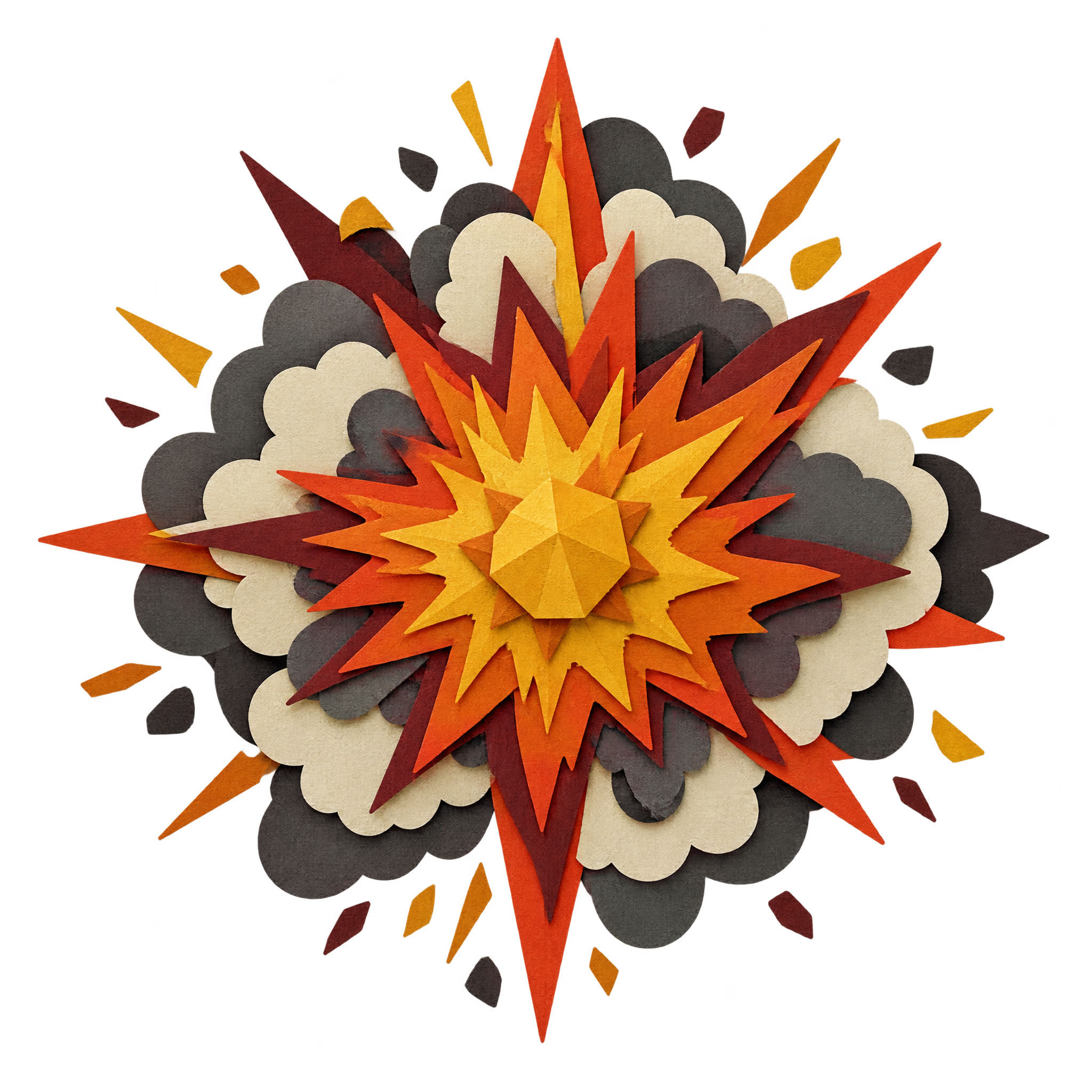
It is an explosion graphic rendered to resemble stacked pieces of cut paper. This artwork uses layered flame and smoke shapes around a faceted central impact, viewed from above.
Keep the faceted impact center near the main focal point, then allow the surrounding flame and smoke layers room to radiate outward. Leave clear space for headlines so they do not obscure the layered silhouette.
Dark backgrounds can strengthen the burst silhouette, while warm accents reinforce an energetic mood. Bold condensed type and simple geometric elements complement the angular, layered construction without competing with the center.