
Frequently asked questions about Realistic Explosion PNG Video
Yes. You can create and download PNGs for free using the PNG generator. Optional subscriptions provide more creative options and advanced features.
Download the available PNG from this image page. To create a variation, open the AI workspace, describe the explosion’s combustion core, rolling smoke, flames and embers, then generate and download your PNG.
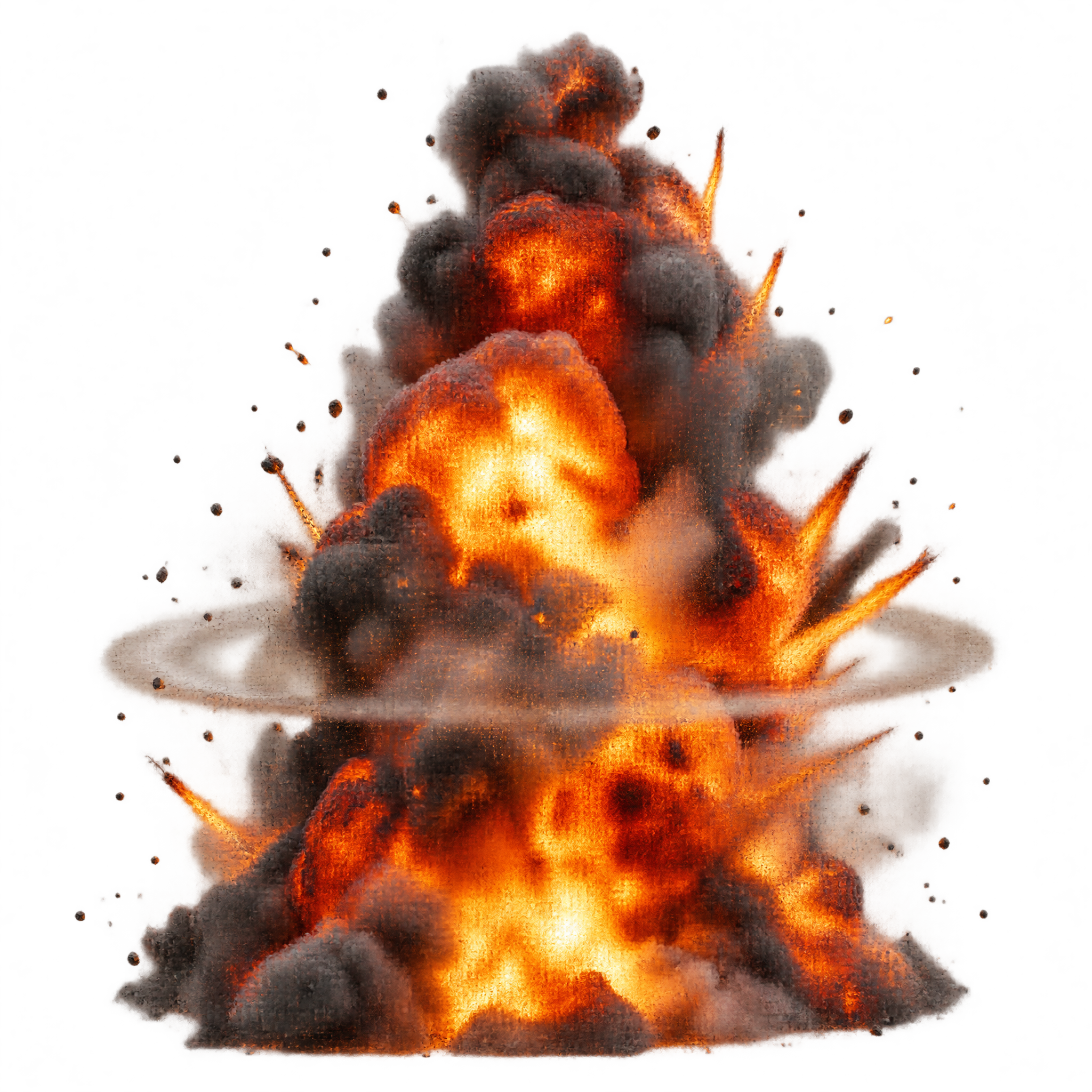
It is a transparent PNG image of a towering explosion with a dense combustion core, rolling smoke, projecting flames and glowing embers. The static asset is composed for dramatic footage and graphic composites.
Yes. Upload the PNG to Canva as an image asset, then place it in a poster, thumbnail, presentation or video composition. Its transparent background makes it easier to layer over a chosen scene.
Place the dense core at the intended impact point and leave room above and around it for the smoke and projecting flames. Layering part of the blast behind a foreground element can help establish depth.
Cool blues, deep grays and dark scene elements create strong contrast with the orange flames and embers. Pair it with cinematic lighting, debris or industrial settings for an intense, high-impact mood.