
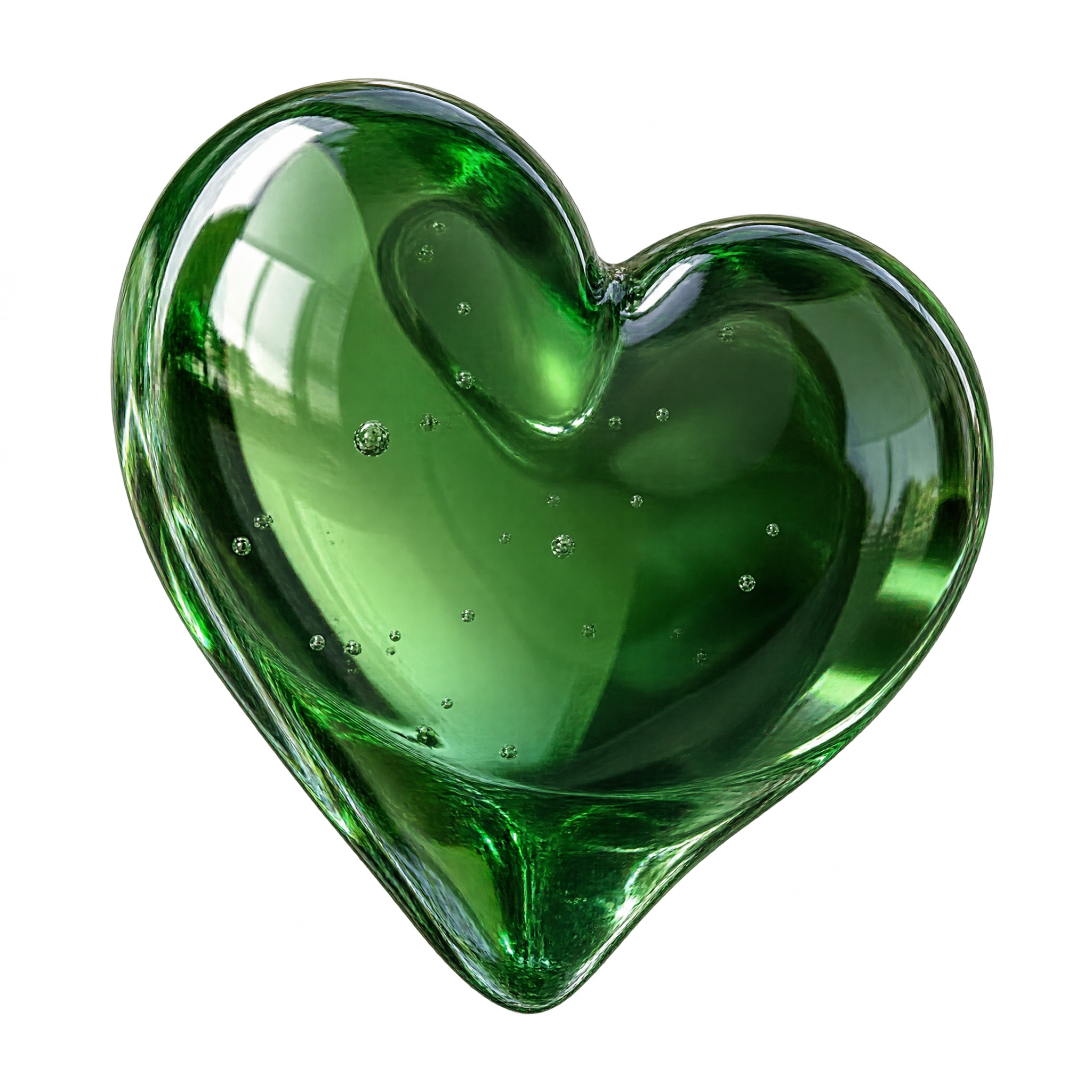
Frequently asked questions about Realistic Green Heart PNG
Yes. You can create and download PNGs for free using the PNG generator. Optional subscriptions provide more creative options and advanced features.
Download the available image, or open the AI workspace and enter a description of the design you want, such as a translucent green glass heart viewed at an angle. Refine the wording to explore related reflections, lighting, or compositions, then download your chosen result as a PNG.
PNG supports transparency, allowing the heart to sit cleanly over different backgrounds. JPG does not support transparent areas and is typically displayed with a solid background. Downloads here are provided as PNG files.
Yes. Upload the PNG to Canva as an image asset, then place it in cards, social graphics, posters, invitations, or other designs. You can arrange it with text and background elements inside your Canva project.
Use the heart as a central focal point, or position it slightly off-center and leave open space in the direction suggested by its three-quarter angle. That negative space can hold a short headline without competing with the reflective glass details.
Deep charcoal or black creates dramatic contrast with the luminous green, while cream and pale mint produce a softer mood. Subtle highlights, restrained typography, and minimal decorative elements help the glass reflections remain prominent.