
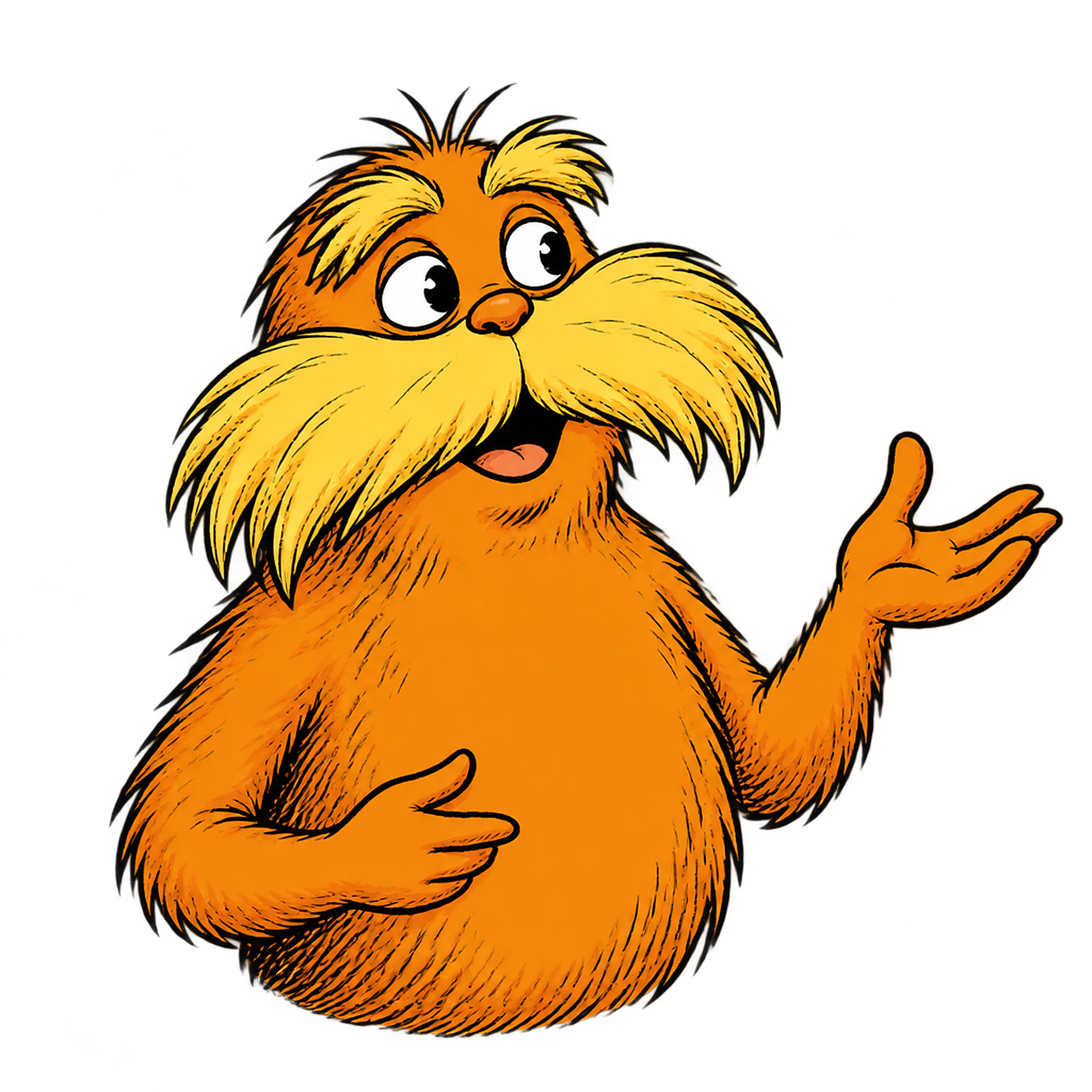
Ink Lorax PNG
A recognizable half-body Lorax turns mildly toward the viewer, raising an open hand in a speaking gesture within a bold, mustache-led ink silhouette.
Yes. You can create and download PNG images for free with the PNG generator. A subscription can provide more creative options and advanced features, but it is not required for every creation or download.
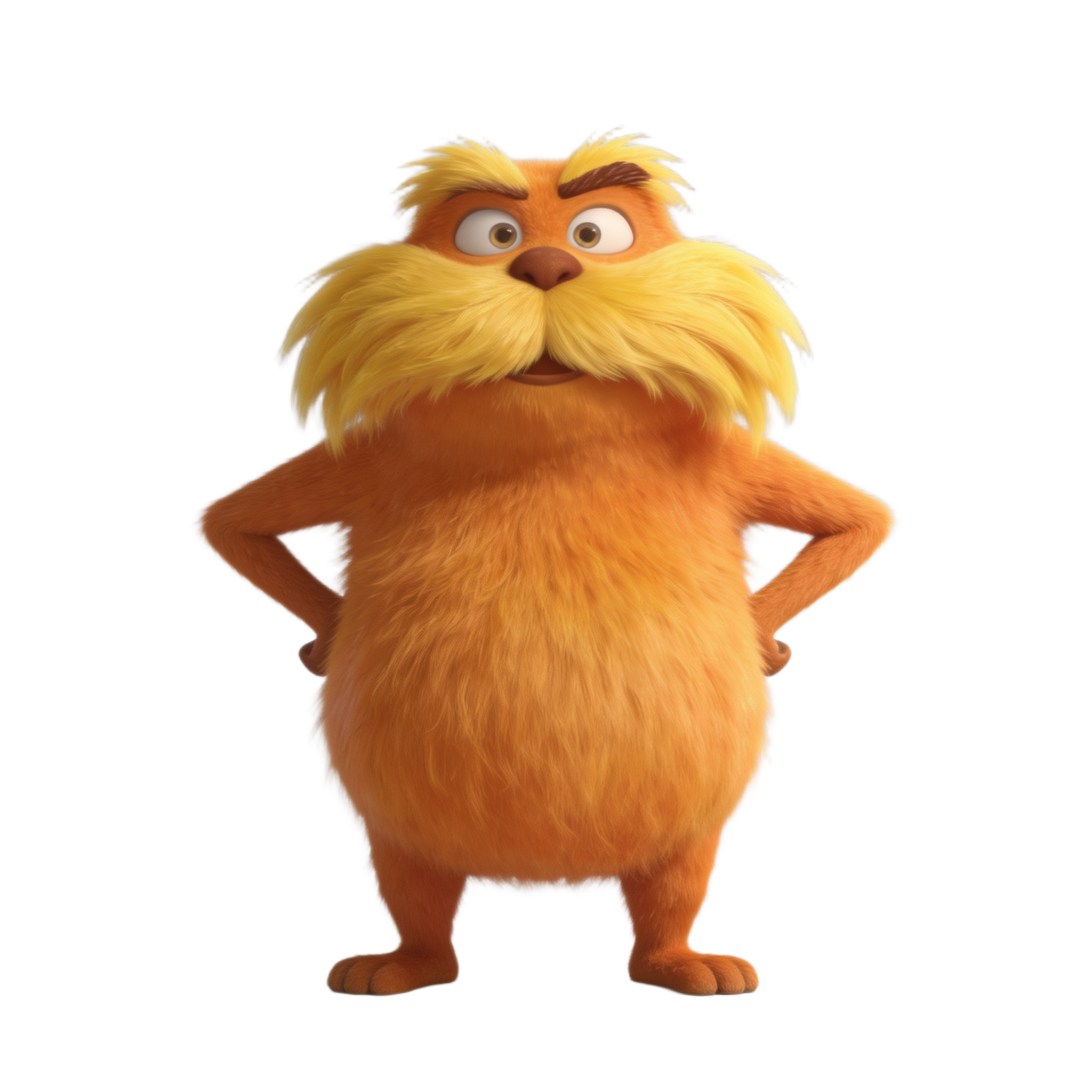
Open the PNG generator or AI workspace, enter a description of the character or the design you want, then create and download the resulting PNG. Add details such as a front-facing pose, raised brows, or a broad mustache to guide a related result.
Use the PNG generator to try descriptions that vary the pose, expression, outline, or overall visual treatment. Comparing several generated results can help you explore related character designs while keeping the subject recognizable.
PNG supports transparent areas, which can help an isolated character sit cleanly on another design. JPG generally uses a solid background and is often chosen for photographic images. Downloads from this generator are provided as PNG.
Use the front-facing pose and compact outline as a clear focal point. Center the character when it should lead the design, or place it slightly to one side with open space beside it for text, labels, or other supporting elements.
Try earthy greens, warm browns, and cream tones for a nature-focused mood, or use a muted background to keep the raised brows and broad mustache visually distinct. Strong contrast can help the character remain readable.