
Frequently asked questions about Stained Glass Arrow Pointing PNG
Yes. You can use the PNG generator to create and download PNG images for free. Optional subscriptions provide more creative options and advanced features.
Open the AI workspace and enter a description such as “right-pointing stained-glass arrow with jewel-toned panes, dark lead lines and a transparent background.” Refine the wording as needed, generate the image and download the result as a PNG.
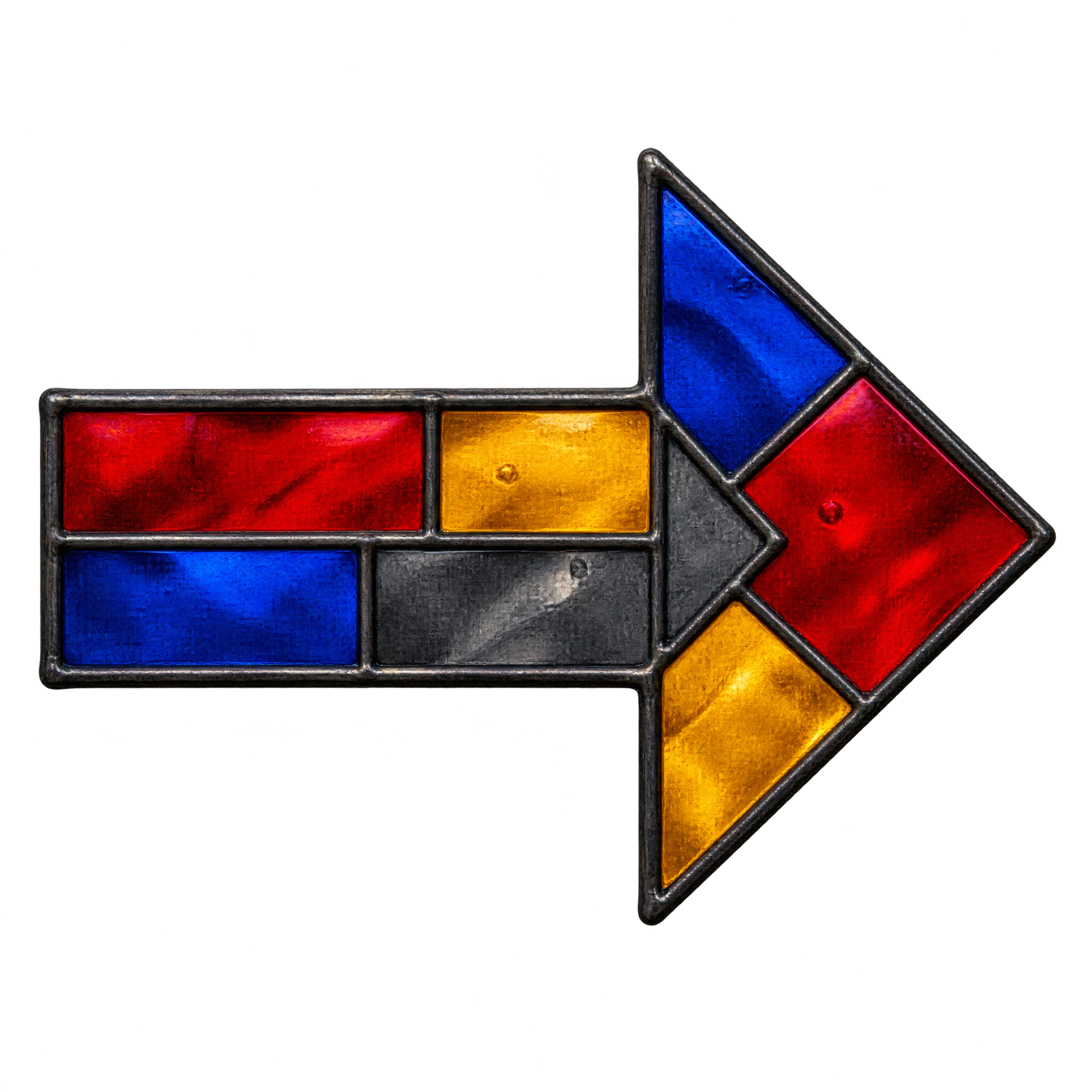
The artwork shows a right-facing arrow assembled from colorful, jewel-toned panes divided by dark lines that resemble traditional stained-glass leading. Its transparent background helps the decorative directional symbol sit cleanly in a layout.
Yes. Download the PNG, then upload it to Canva as an image asset and place it in presentations, social graphics or other designs. You can position and scale it within your Canva composition.
Place it beside the element you want viewers to notice, leaving open space in front of the arrowhead so its direction remains clear. It can guide attention toward a button, headline, diagram step or the next section of a slide.
Its jewel tones stand out against pale neutrals, deep charcoal or other simple backgrounds. Pair it with restrained typography and limited accent colors so the multicolored panes remain the focal point while the dark lead lines stay easy to distinguish.