
Frequently asked questions about Engraved Steak PNG
Yes. You can create and download PNGs for free. Open the PNG generator, describe the engraved steak you want, and generate a design. Optional subscriptions provide more creative options and advanced features.
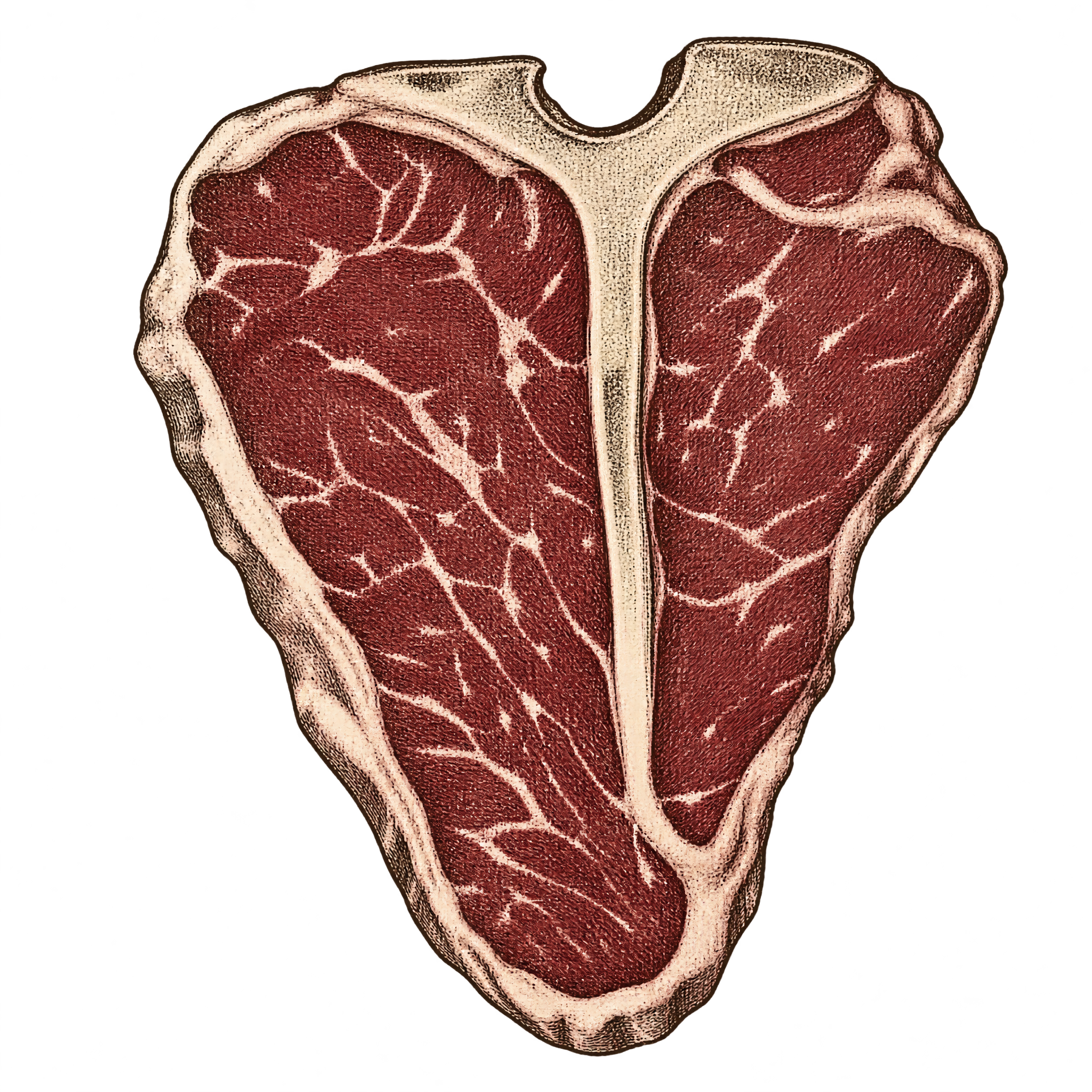
Download this engraved steak from its image page, or open the AI workspace and enter a description such as “overhead raw T-bone in a vintage engraved style.” Refine the wording to explore a related composition, then download the result as a PNG.
Yes. The transparent background lets you place the overhead T-bone over menu layouts, posters, labels, or other design backgrounds without a surrounding rectangular backdrop.
Search for related steak, butcher, food engraving, or vintage culinary PNGs. You can also use the PNG generator and vary descriptive terms such as etched, hand-drawn, rustic, or editorial to explore different treatments.
Use the prominent central bone as a strong visual anchor. Center the steak for a badge-like composition, or offset it to one side and leave open space for a heading, cut name, or short menu description.
Warm cream, muted red, dark brown, and charcoal can reinforce its vintage culinary mood. Pair it with restrained typography, subtle paper textures, or simple butcher-style borders while keeping enough contrast for the engraved detail to remain clear.