
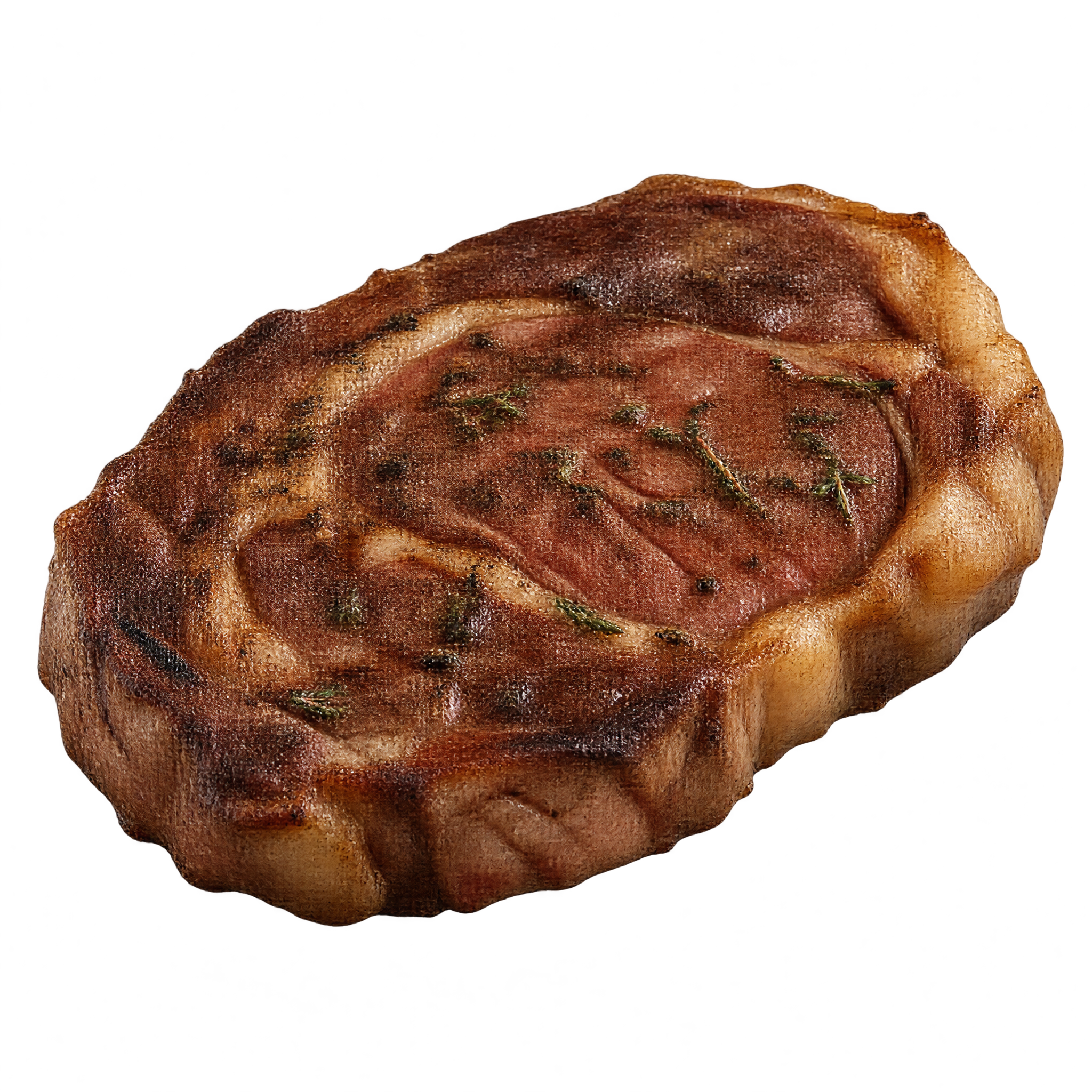
Frequently asked questions about Realistic Steak PNG
Yes. You can create and download PNGs for free using the PNG generator. Optional subscriptions provide more creative options and advanced features.
Download the available PNG from this image page, or open the AI workspace and enter a description such as “photorealistic grilled ribeye with visible marbling and light seasoning.” Refine the wording to explore a related result, then download your chosen PNG.
Yes. Upload the PNG to Canva as an image asset, then place it in a menu, restaurant promotion, social post or other design. You can adjust its size and position within your Canva layout.
Look through the Steak PNG collection for related food visuals, or use the PNG generator to describe variations such as a different cut, cooking style, seasoning level or viewing angle.
Use the compact ribeye as a central focal point or position it beside a dish name and short description. Leave enough open space around its irregular edges so the silhouette remains clear and the menu text stays easy to scan.
Dark charcoal, warm cream and muted brown backgrounds reinforce a steakhouse mood, while red or herb-green accents can add contrast. Pair it with restrained typography and subtle wood or slate textures to keep attention on the marbling and grilled surface.