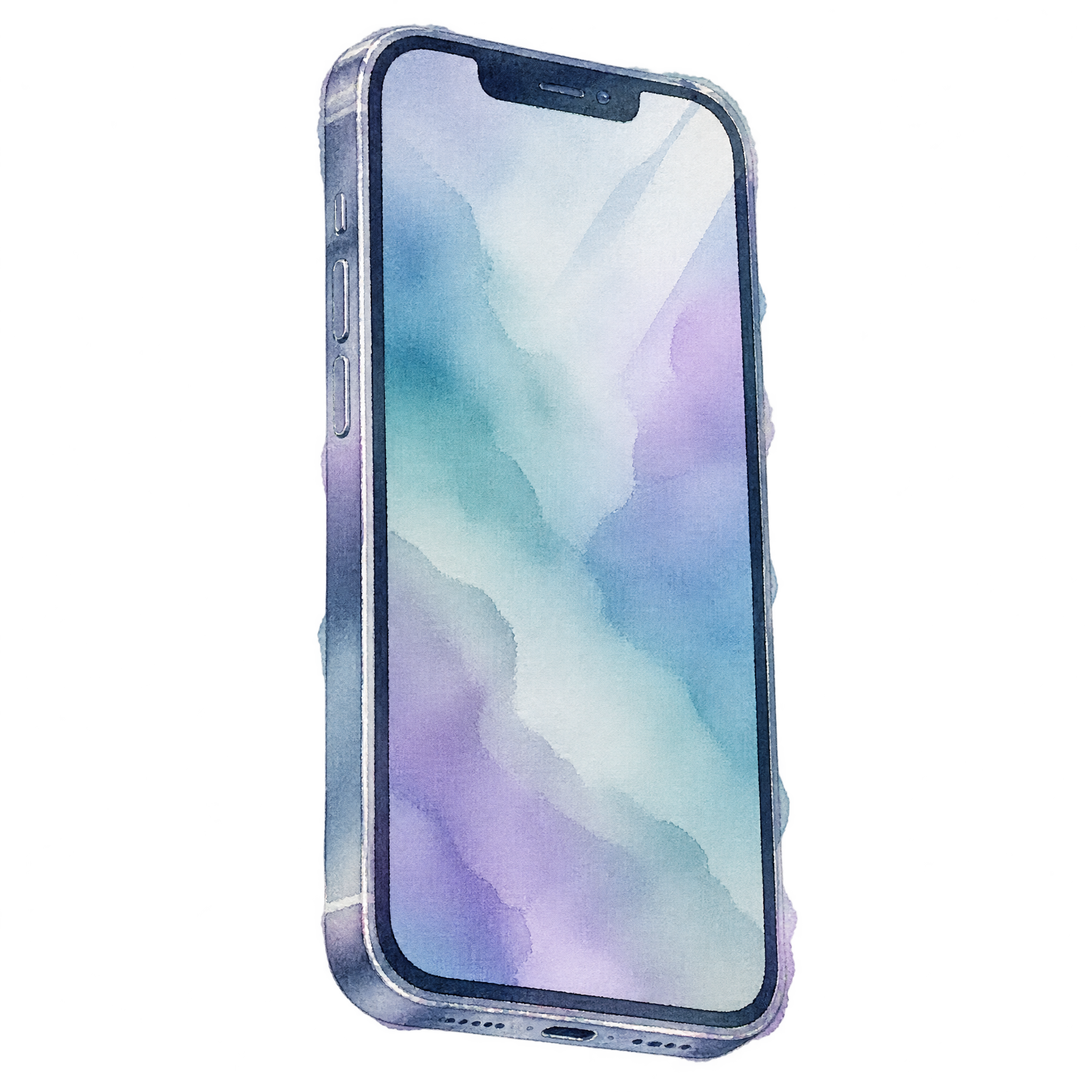
Watercolor Iphone Mockup PNG
A softly painted iPhone mockup with a low-angle view, gently irregular frame, and large visible screen for artistic portfolios, app previews, and editorial compositions.
Yes. You can use the PNG generator to create and download PNGs for free. Optional subscriptions provide more creative options and advanced features.
Download the available transparent PNG from this image page, or open the AI workspace and enter a description of the mockup you want, such as a wide outlined phone frame displaying a landscape interface. Then generate and download your result as a PNG.
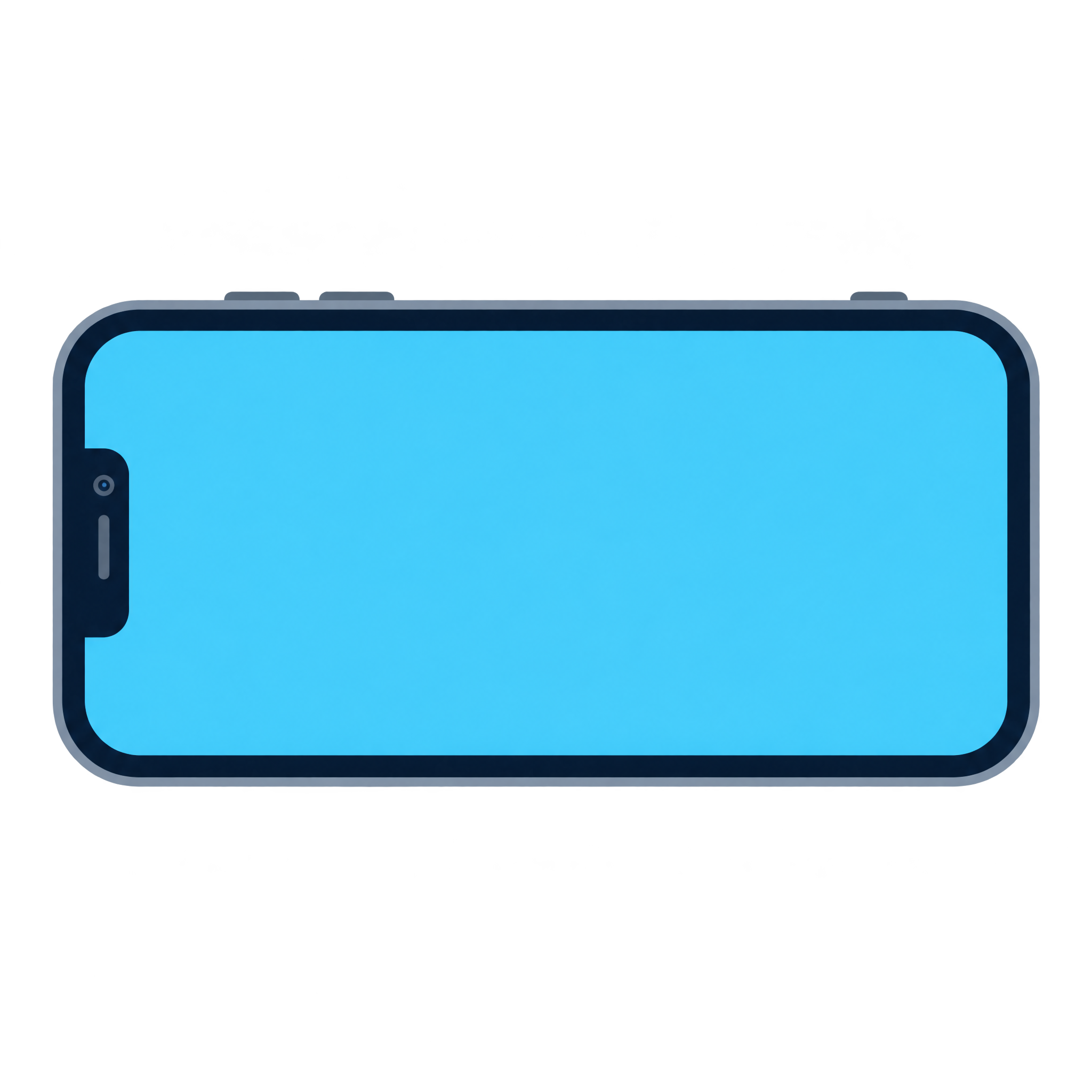
It depicts a geometric smartphone mockup in landscape orientation, defined by a continuous outlined frame and a broad visible screen. The wide composition suits horizontal interfaces, game previews, websites and video presentations.
Choose this landscape mockup when the featured content is wide, such as a game scene, website view or video frame. A portrait mockup is generally more suitable for vertically scrolling app screens, stories or mobile-first layouts.
Keep the main interface or focal element near the center of the broad screen, with comfortable space around important text and controls. In a larger layout, leave room outside the outlined frame for a heading, caption or supporting graphic.
Use a background that clearly contrasts with the phone outline so its geometric shape remains easy to read. Pair restrained interface colors with a clean background for a polished presentation, or use a bolder screen palette to emphasize games and media.