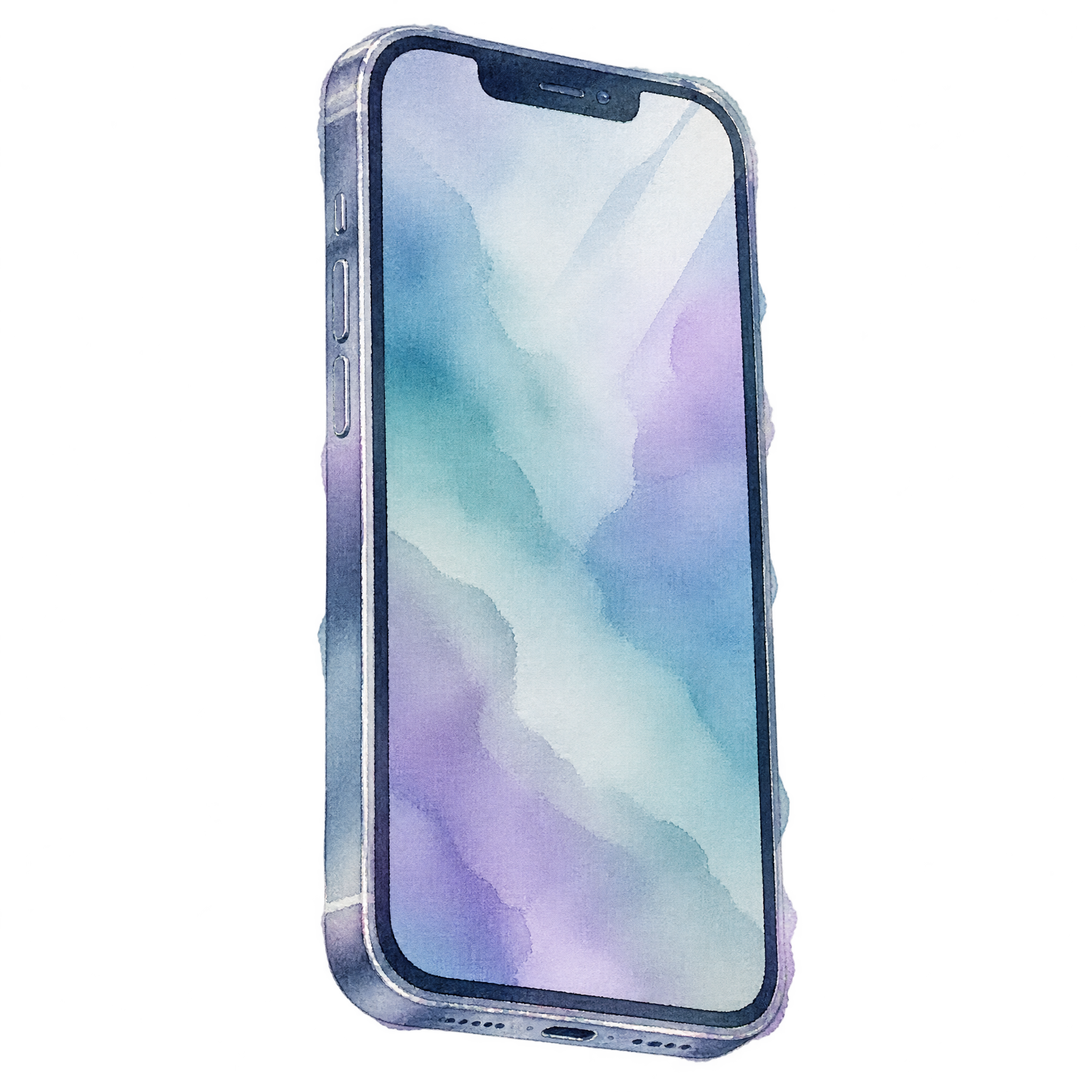
Watercolor Iphone Mockup PNG
A softly painted iPhone mockup with a low-angle view, gently irregular frame, and large visible screen for artistic portfolios, app previews, and editorial compositions.
Yes. You can use the PNG generator to create and download PNGs for free. Optional subscriptions provide more creative options and advanced features.
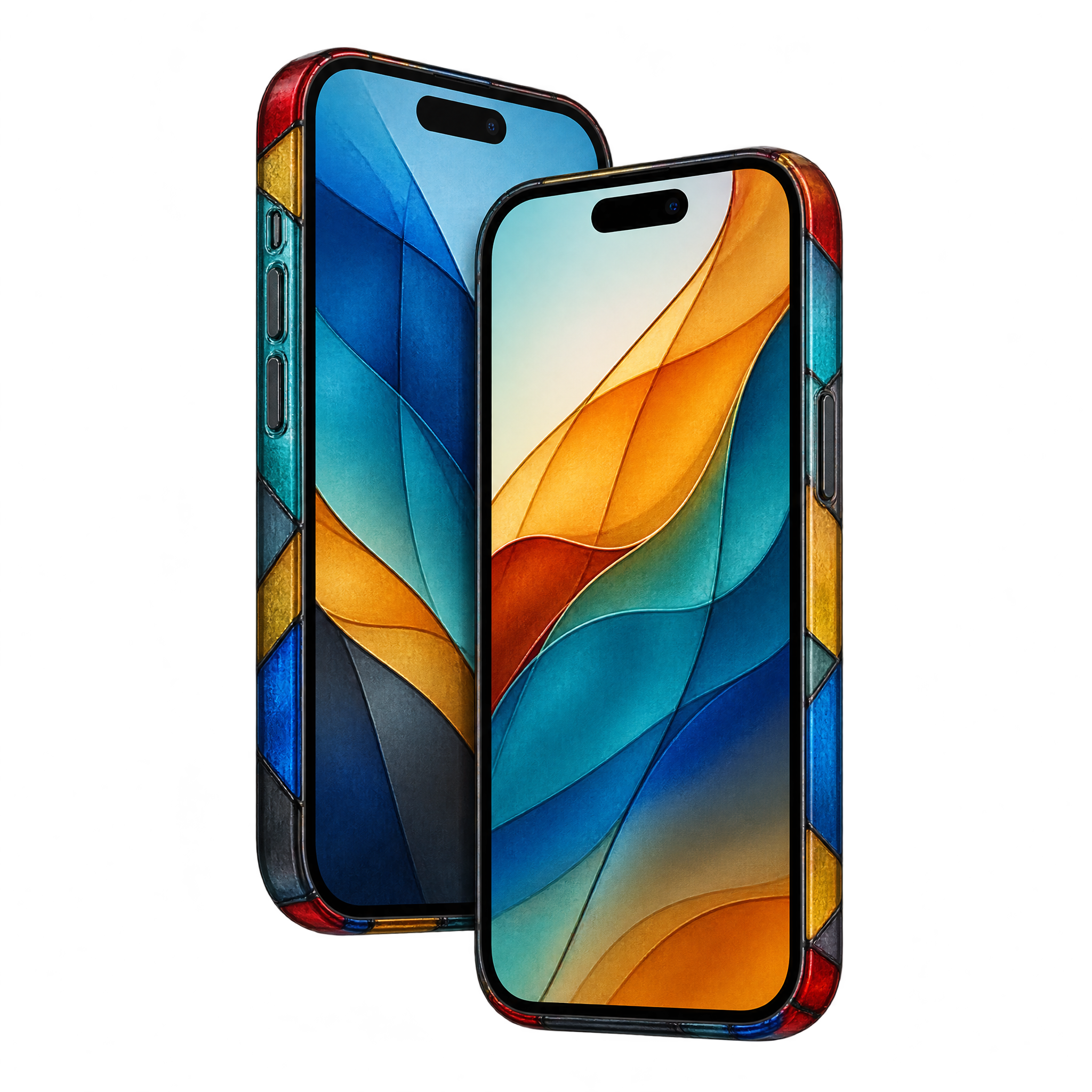
Download the supplied PNG from its image page. To create a related design, open the PNG generator, describe the stained-glass phone mockup and staggered screen arrangement you want, then download the result as a PNG.
PNG supports transparency, allowing this mockup to sit cleanly over another background or layout. JPG does not support transparent areas and instead uses a solid background. The downloadable format here is PNG.
Yes. Upload the PNG to Canva as an image asset, then place it in a presentation, social post, app showcase or other design. You can resize and position it alongside your text and interface graphics.
Give the tall silhouette enough vertical room and preserve the offset between the phones so both screens remain readable. Place headings or short copy beside the narrower edge rather than covering the visible interfaces.
Use a quiet neutral or deep-toned background to keep the stained-glass treatment prominent. Simple typography and restrained interface colors can balance the decorative phone frames without competing with them.