Clay Rabbit PNG
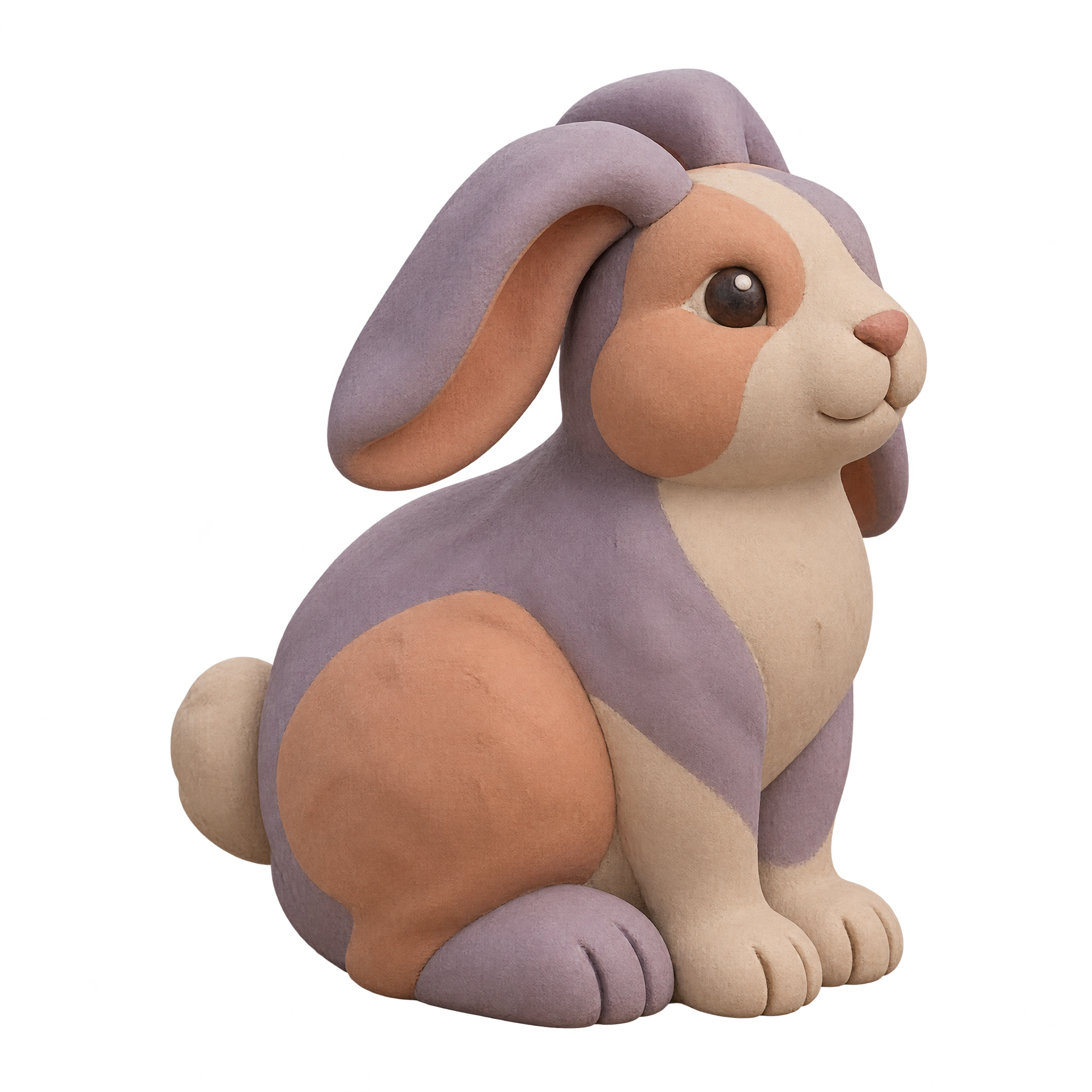
A plump rabbit perched on its haunches with rounded belly, bent ears, stubby paws, and modeled tail, presented as an isolated dimensional design element.
Yes. You can use the PNG generator to create and download PNGs for free. Optional subscriptions provide more creative options and advanced features.
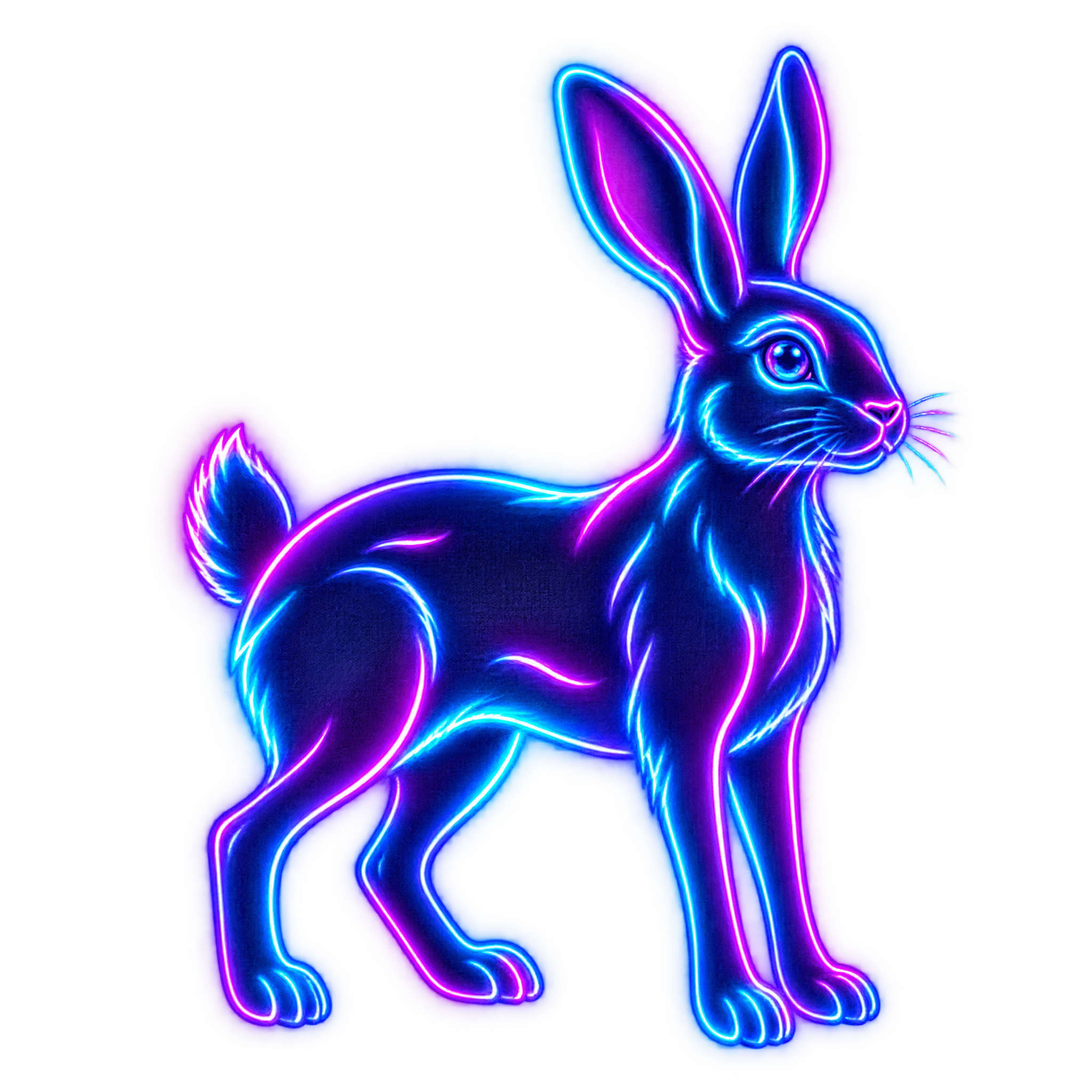
Download the available PNG, or open the AI workspace and enter a description of the design you want, such as an alert standing rabbit formed from colorful neon lines. Refine the wording to explore different poses, colors, or line treatments, then download the result as a PNG.
PNG supports transparent backgrounds, which makes the rabbit easier to place over posters, signs, or digital compositions. JPG does not support transparency and typically places the image against a fixed background. Downloads here are provided as PNG.
Open the PNG generator and describe a related direction, such as a neon rabbit outline, a glowing animal sign, or a rabbit made from multicolored light trails. Adjust the pose, palette, and mood in your description to develop variations.
Use the upright rabbit as a central focal point or position it slightly off-center to leave room for a headline. Give the tall ears enough space above, and avoid crowding the separated legs so the standing silhouette stays easy to recognize.
Dark navy, charcoal, or black backgrounds create strong contrast with the colorful neon lines and reinforce an energetic nighttime mood. For supporting elements, use restrained type and small accents drawn from the rabbit’s neon palette.