Clay Rabbit PNG
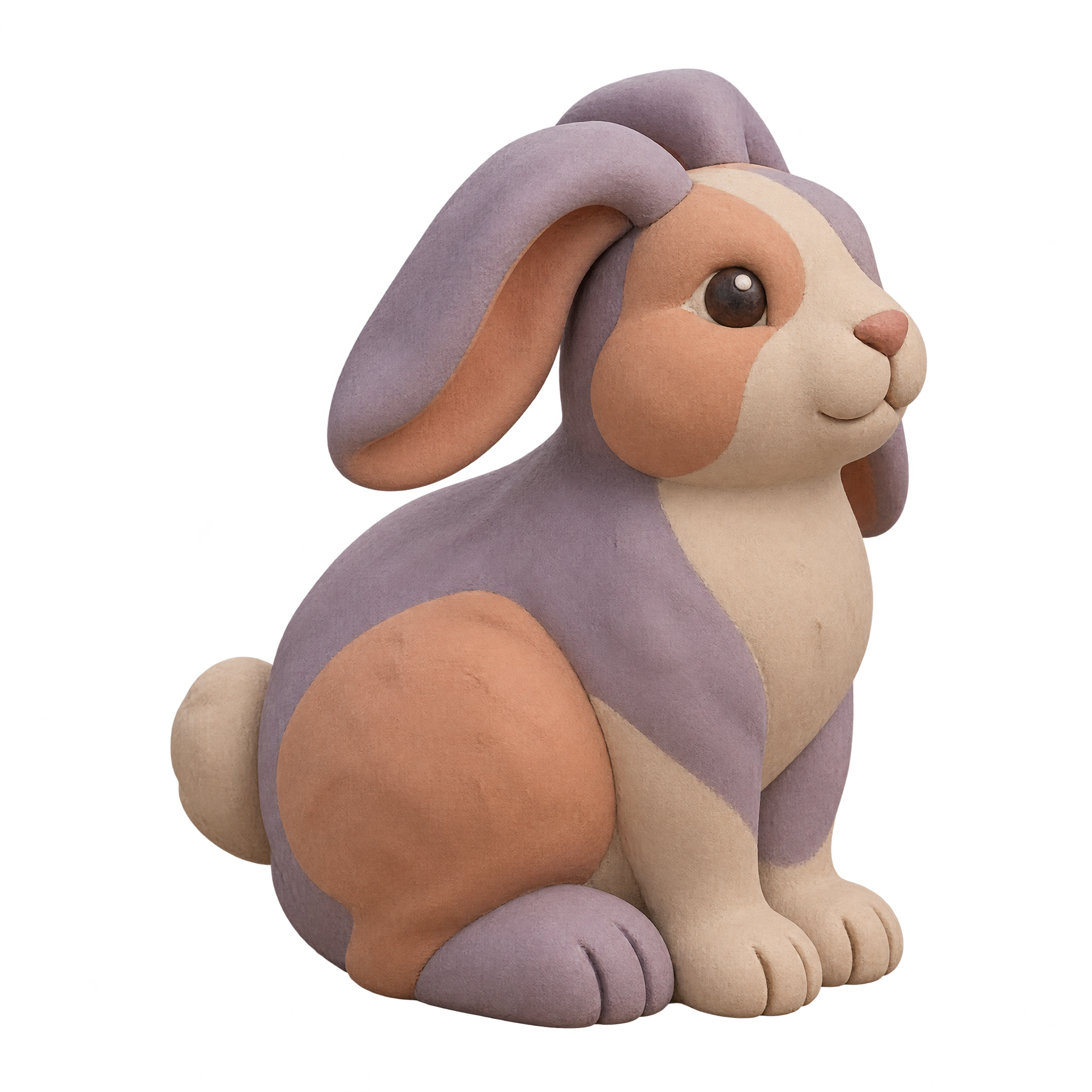
A plump rabbit perched on its haunches with rounded belly, bent ears, stubby paws, and modeled tail, presented as an isolated dimensional design element.
Yes. You can create and download PNGs for free using the PNG generator. Optional subscriptions provide more creative options and advanced features.
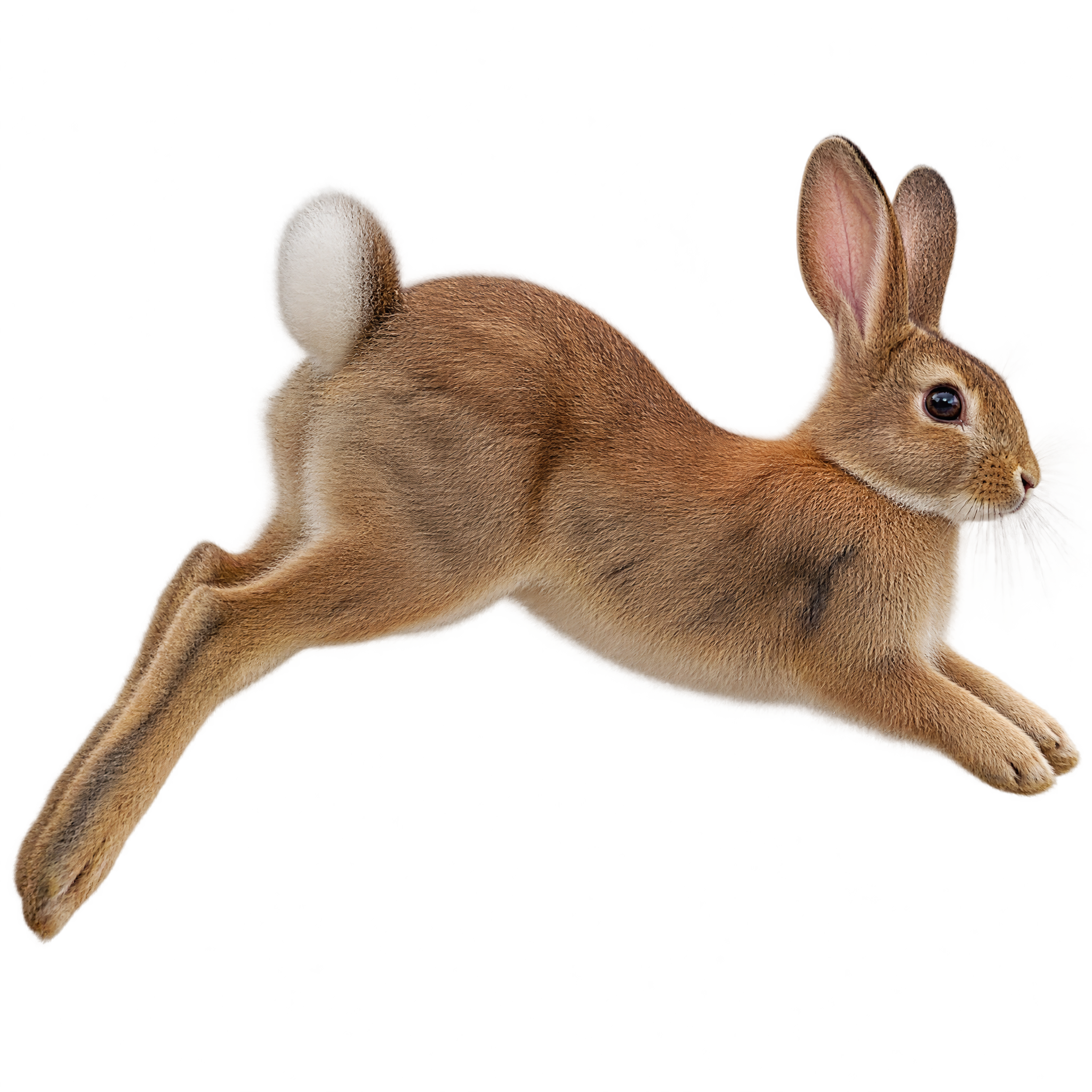
Open the AI workspace and enter a description of a photorealistic brown rabbit leaping in side profile with extended limbs and a lifted tail. Refine the wording as needed, generate the image, and download the result as a PNG.
Choose a leaping side profile when you want energy, direction, or a sense of motion. A seated pose feels calmer and works better as a centered character, while a front-facing rabbit can create a more direct, expressive focal point.
PNG supports transparent backgrounds, making the rabbit easier to place over posters, invitations, presentations, and other compositions. JPG does not support transparency and usually displays a solid background. Downloads here are provided as PNG.
Position it slightly off-center with open space in front of its face and extended forelegs. That space reinforces the direction of the jump and can hold a headline, while placing the rabbit lower in the frame can suggest movement across the scene.
Soft greens, warm creams, and muted earth tones create a natural woodland mood around the brown rabbit. For stronger contrast, use pale blue or a light neutral background. Subtle grass, foliage, or spring-themed elements can support the scene without competing with the silhouette.